Create
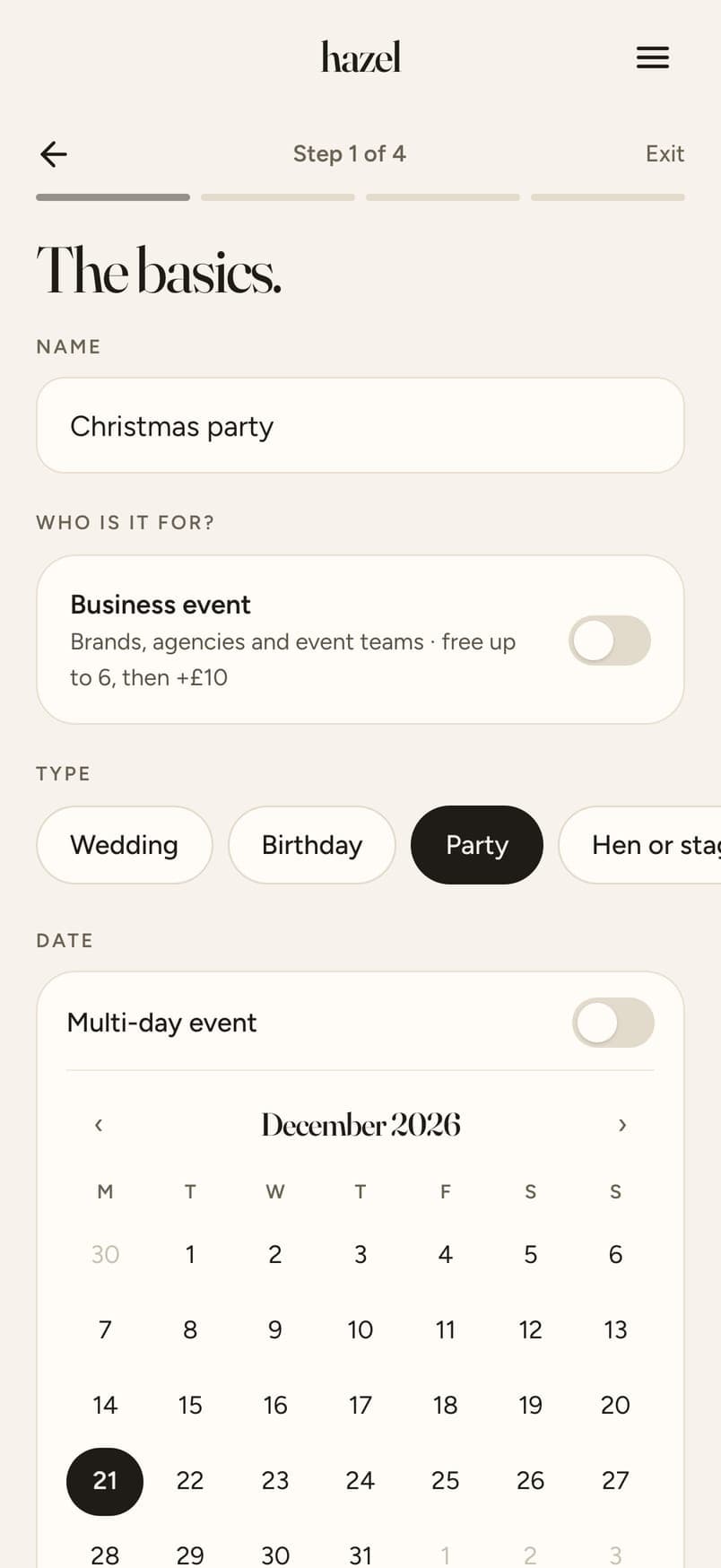
Pick your dates, add a cover, choose your guest count.
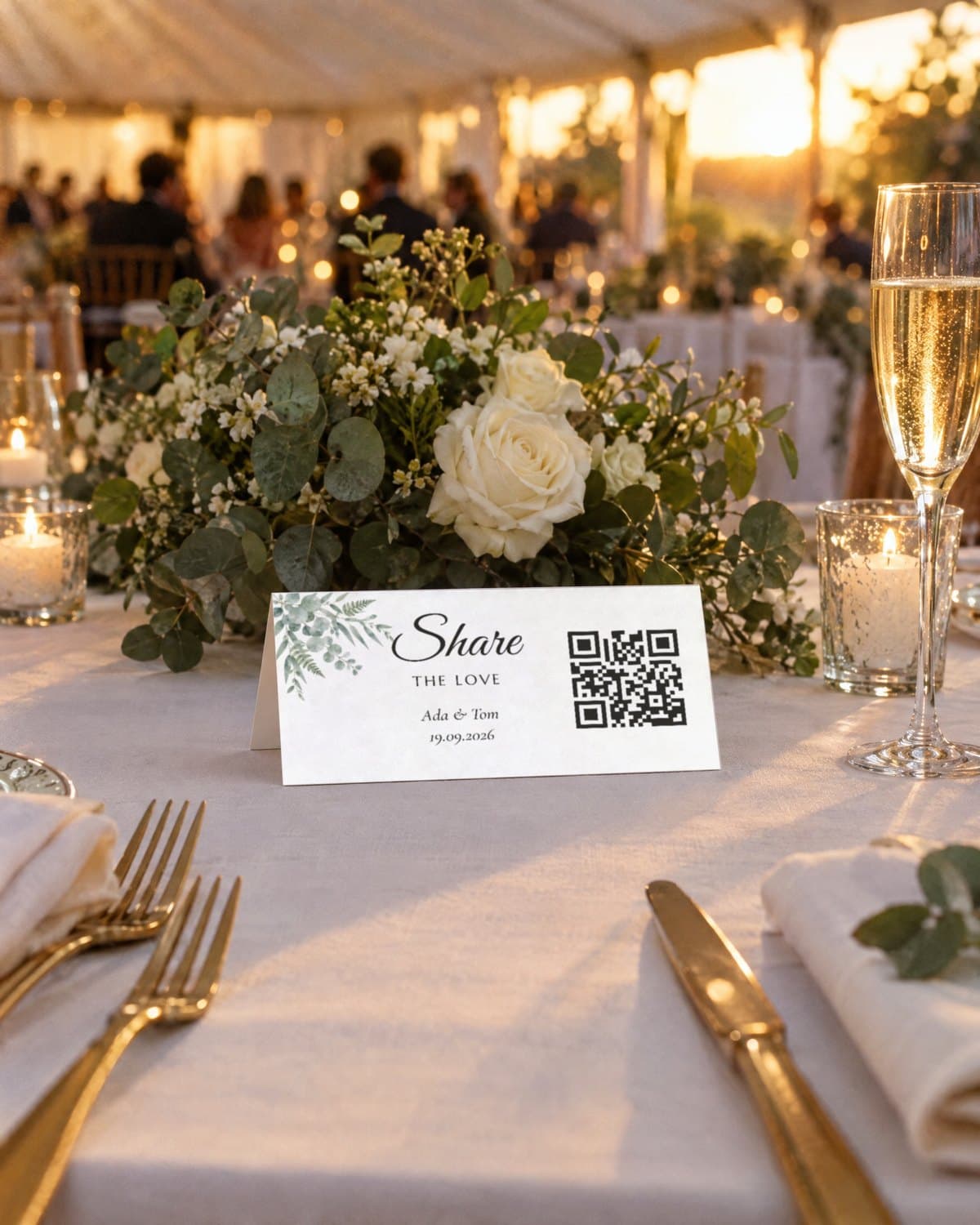
Signs & table cards
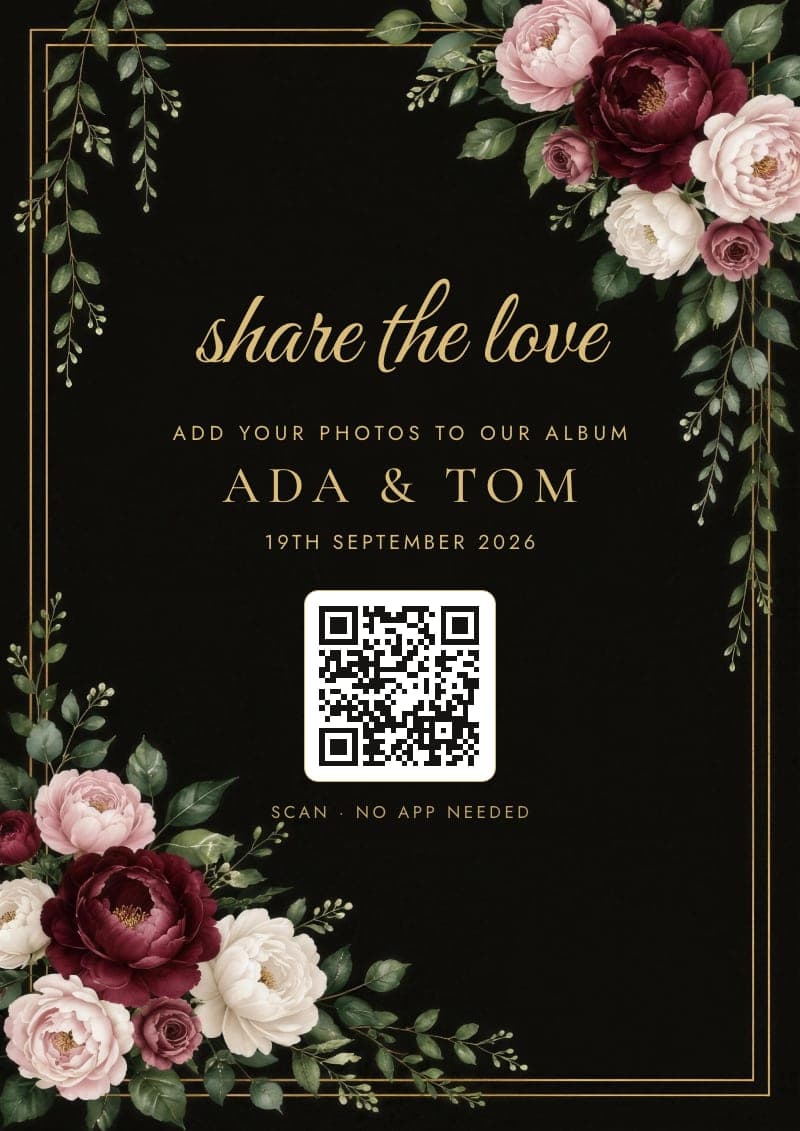
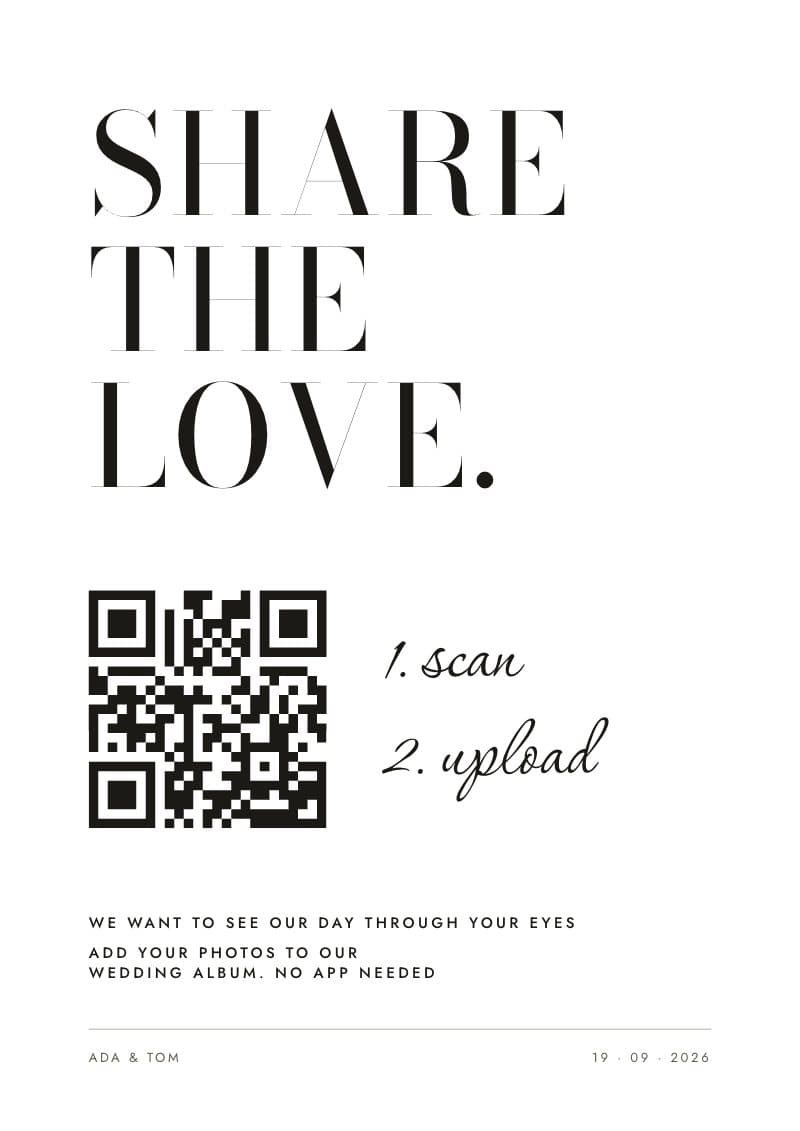
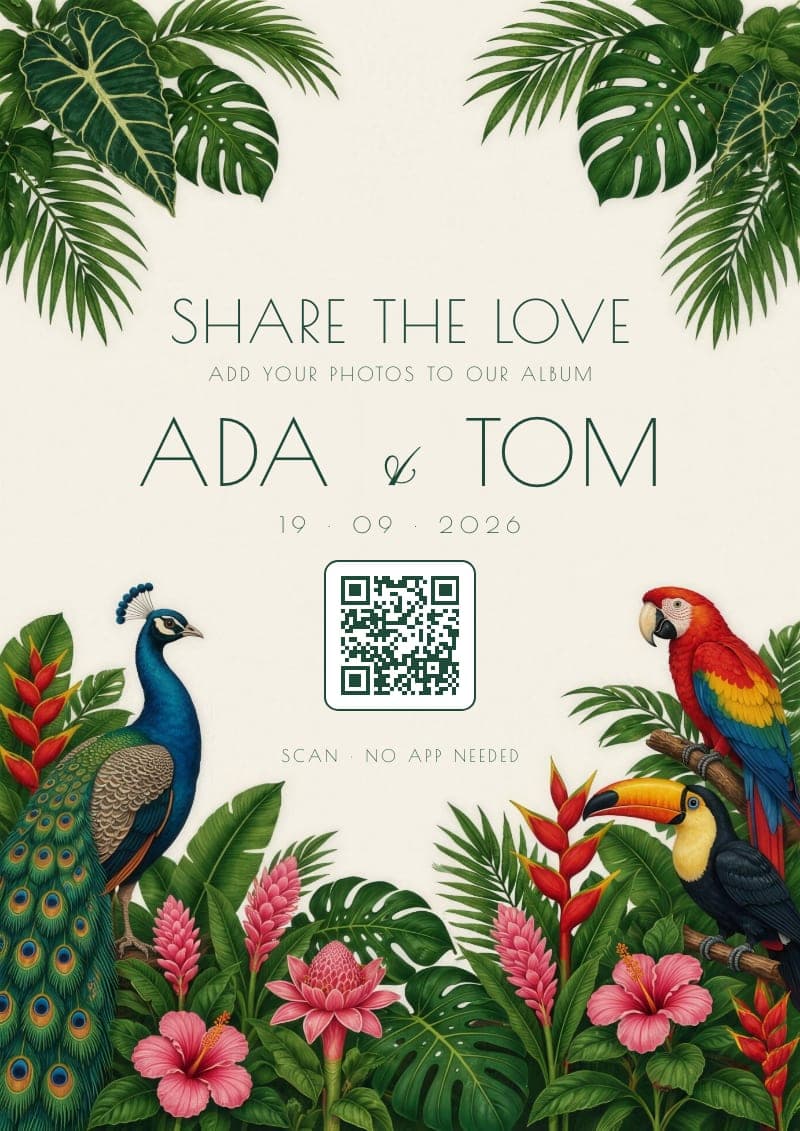
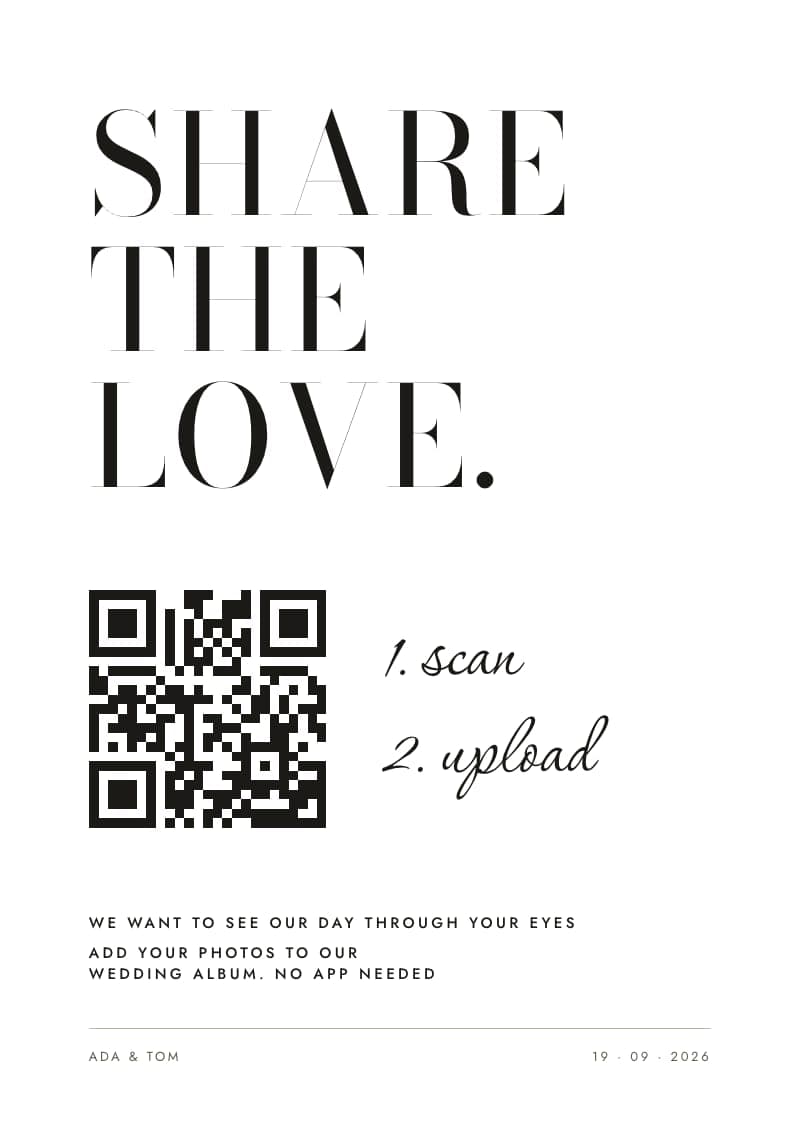
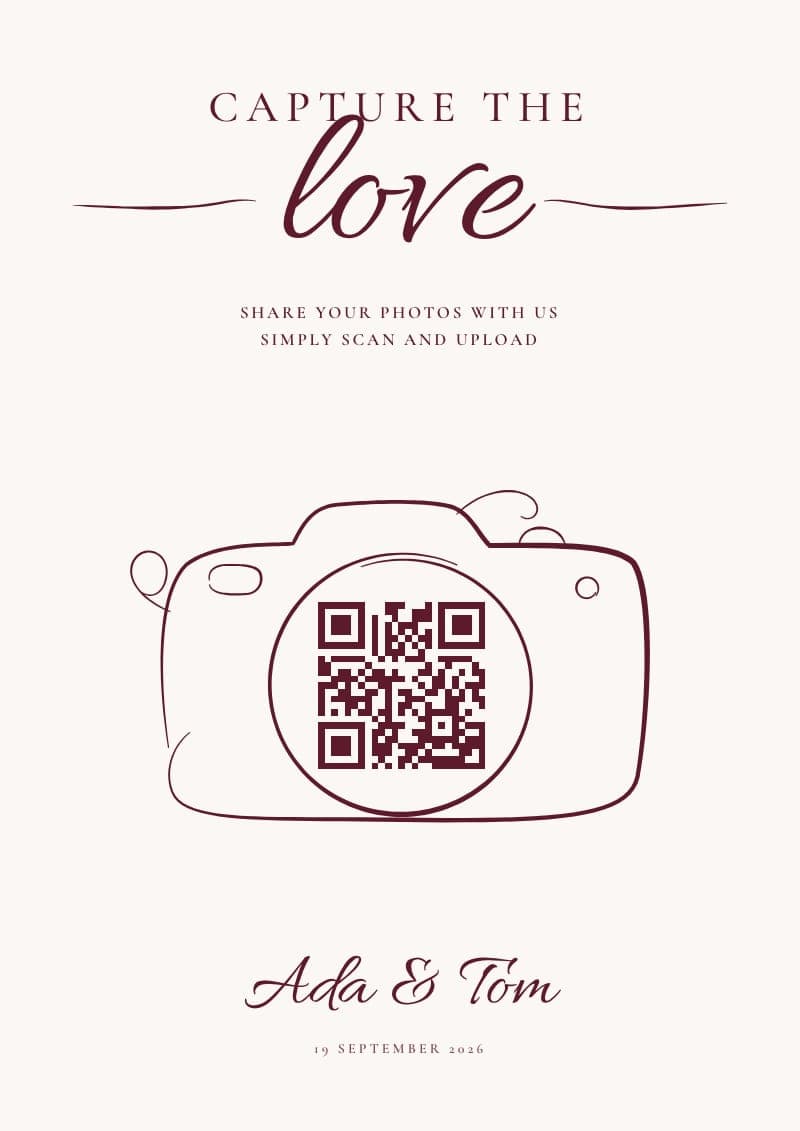
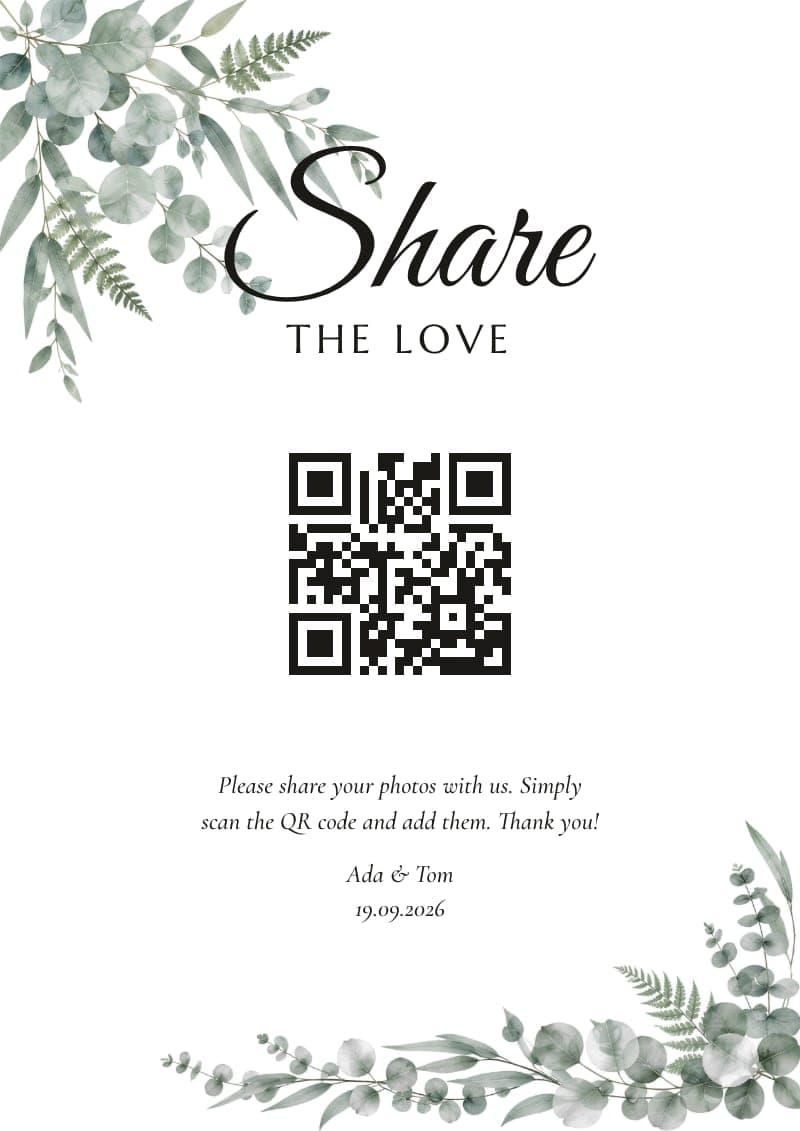
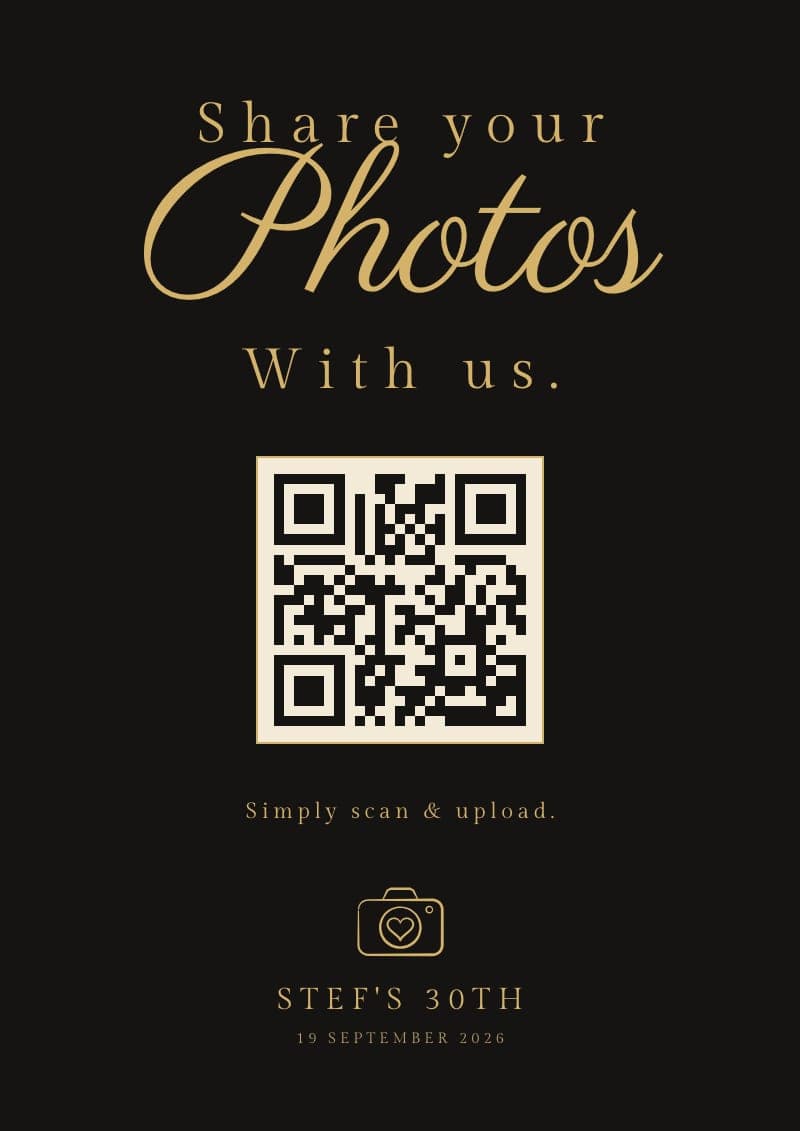
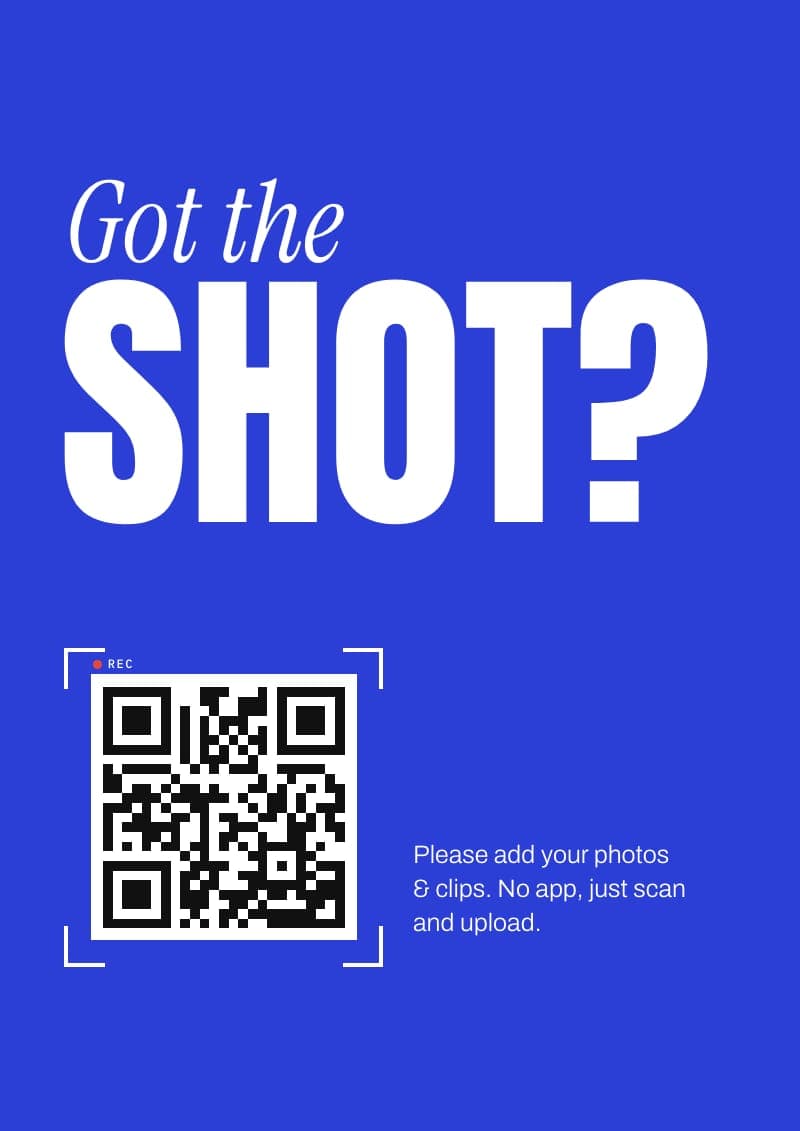
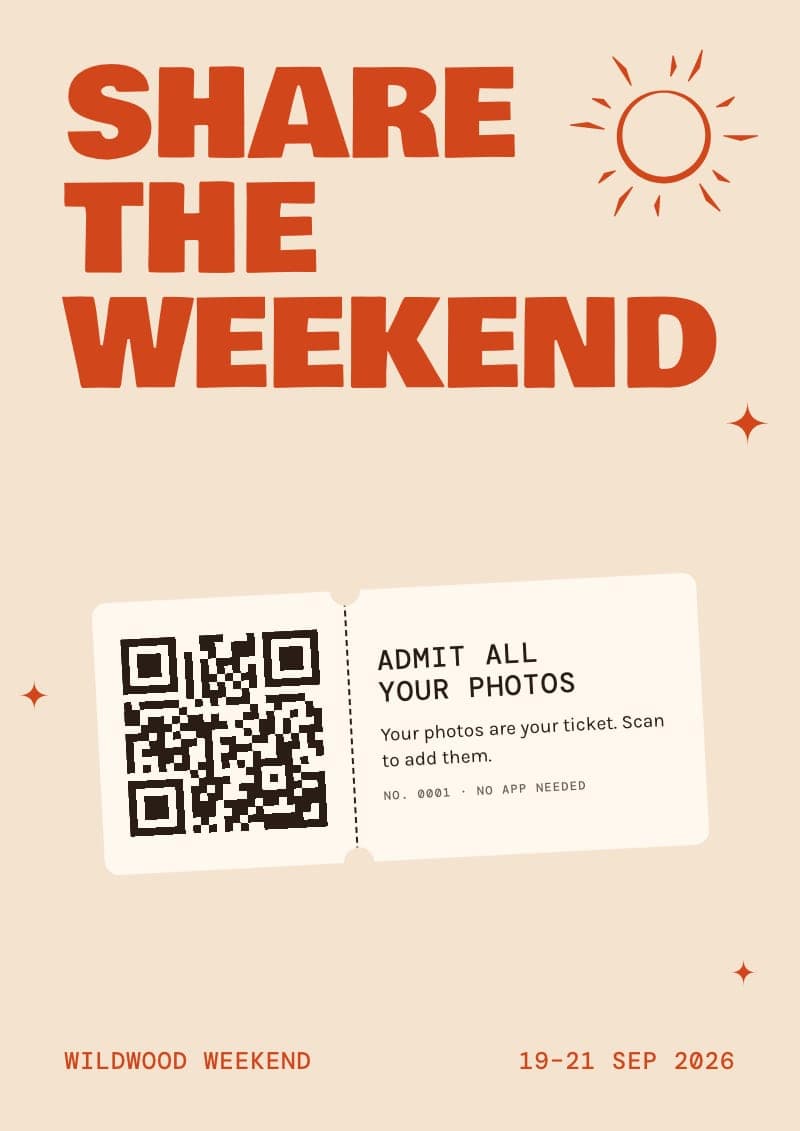
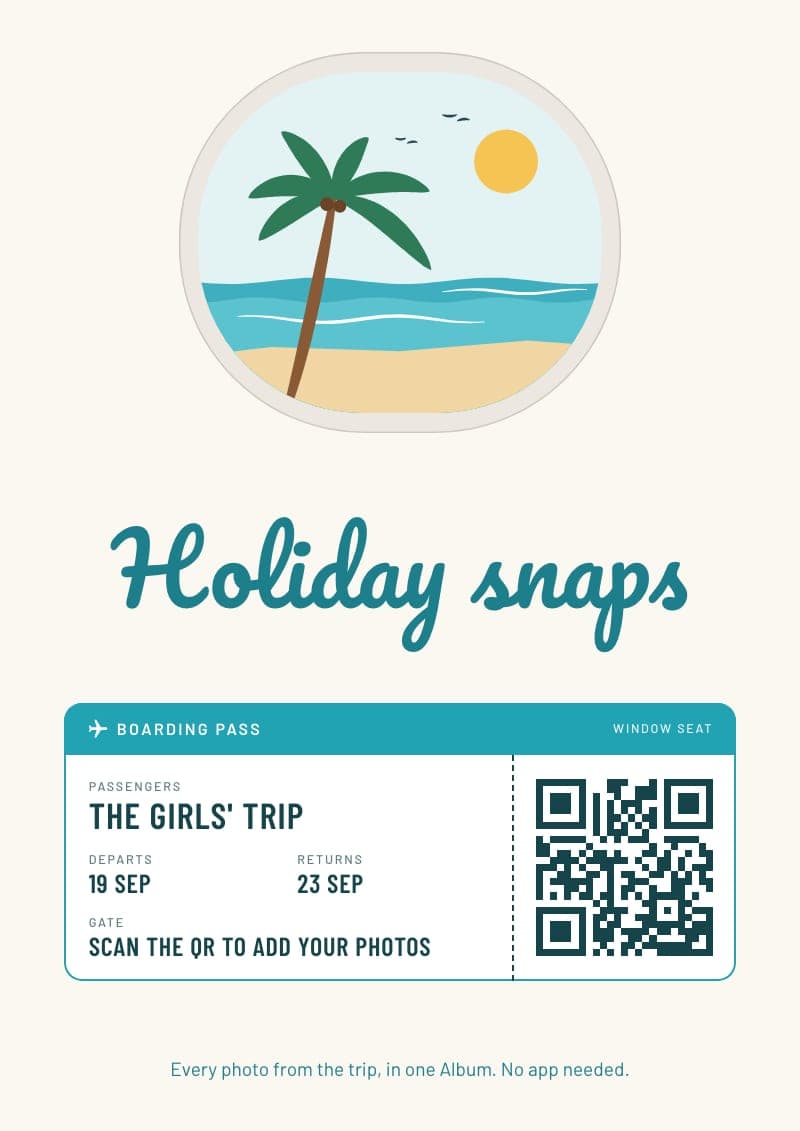
Pick from 20 QR code sign and table card designs, for the wedding, the mehndi and the hen do. Your QR code, names and date go on for you, so guests just scan and add their photos. Every size from a place card to an A1 welcome sign, ready to print at home in 2 minutes.
Pick your dates, add a cover, choose your guest count.
Send the link by message, or add their emails and every guest gets an invite automatically.

Pick a design. Your QR, names and date go on for you. It takes 2 minutes!

Watch the photos and clips come in as guests add them.

One switch per photo and video, then choose a look for the whole Album.

Every guest gets the Album automatically. Save any photo, or download everything in one go.

Swipe for the next step →
Shown here with sample details. Yours carry your own QR code, names and date. Each comes in three colours: tap the dots under a design to see them.
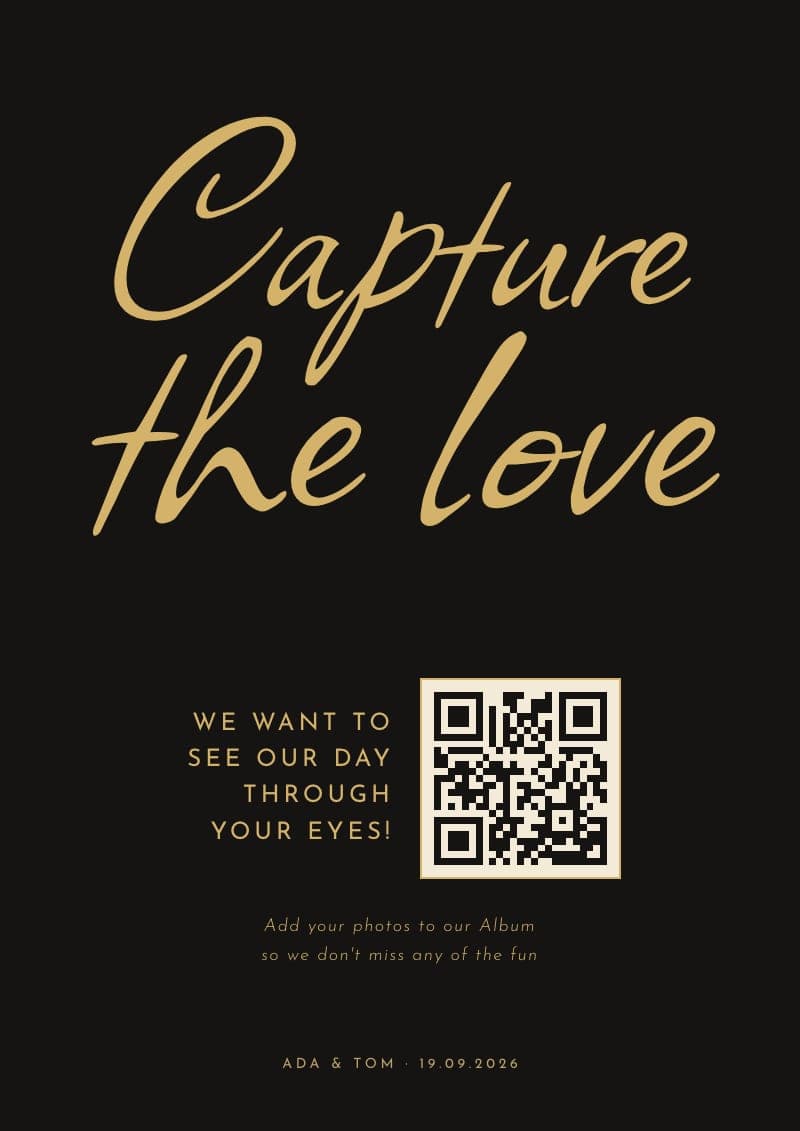
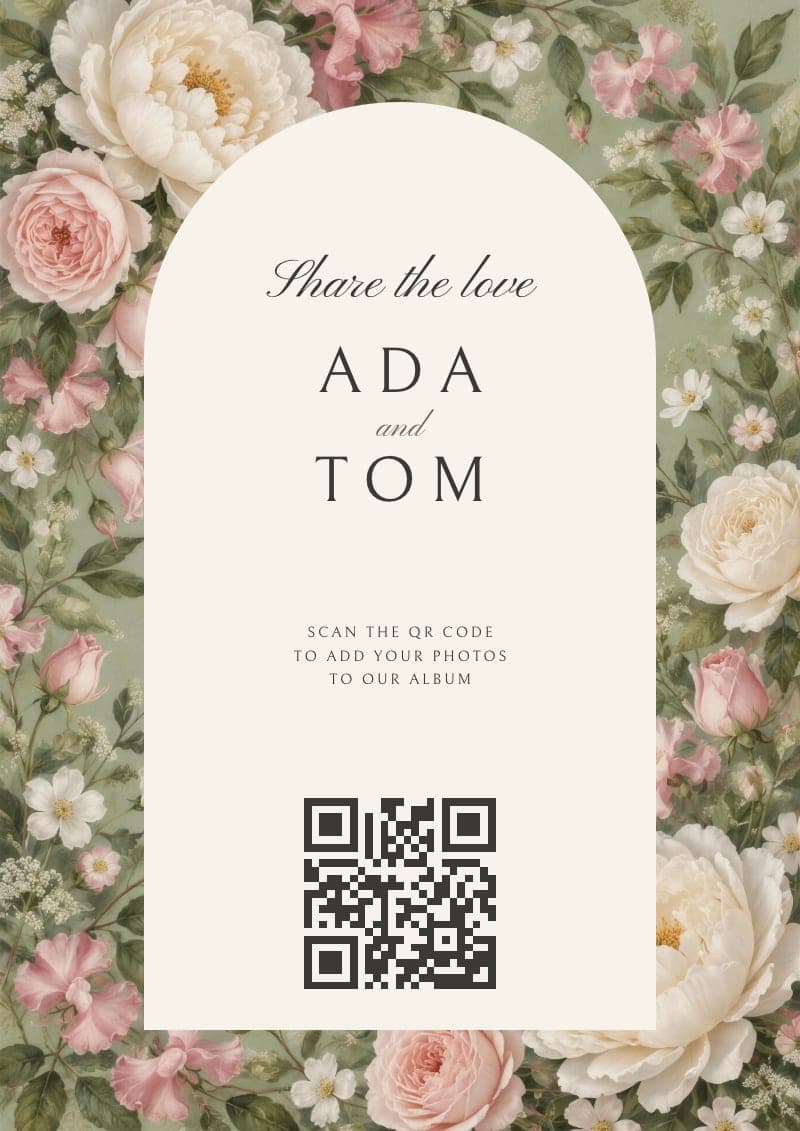
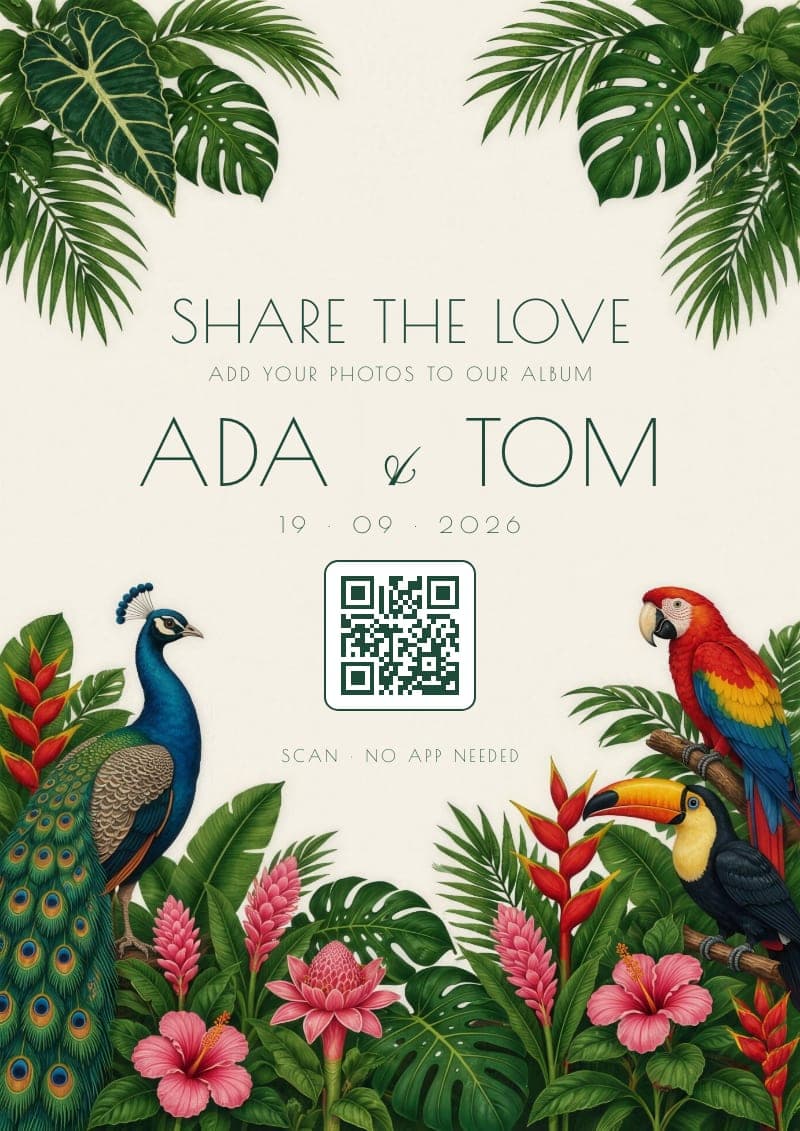
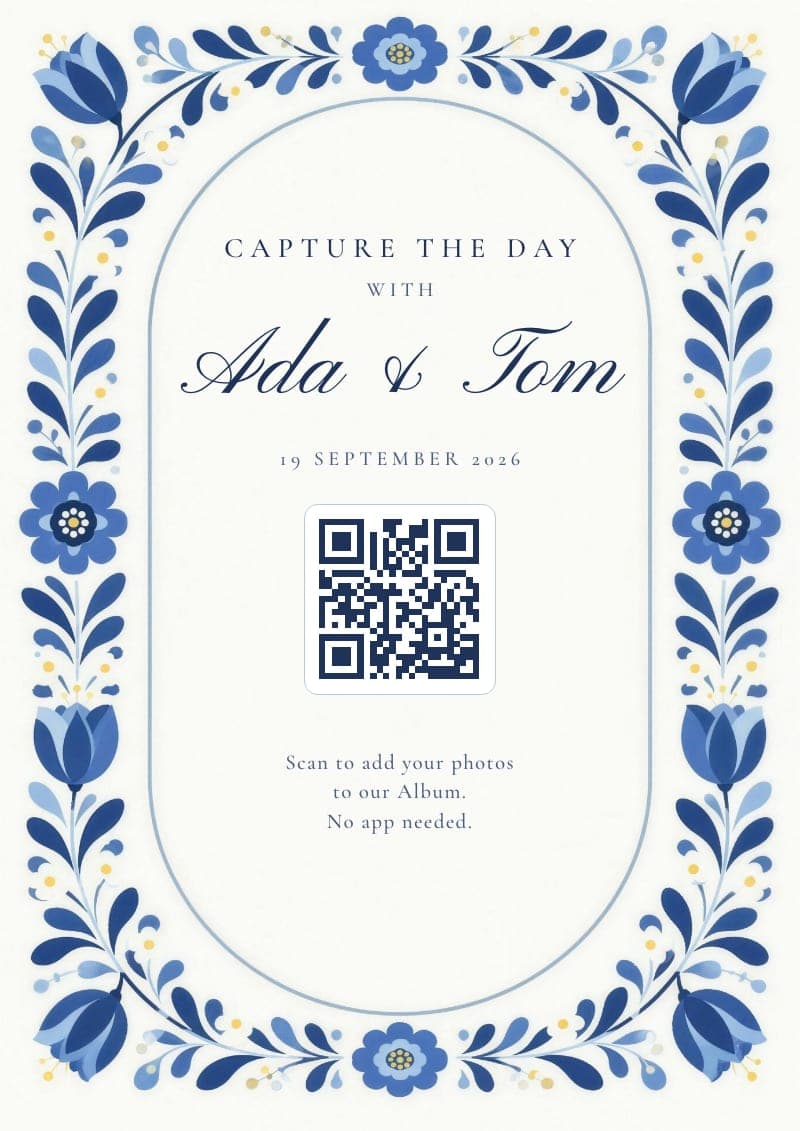
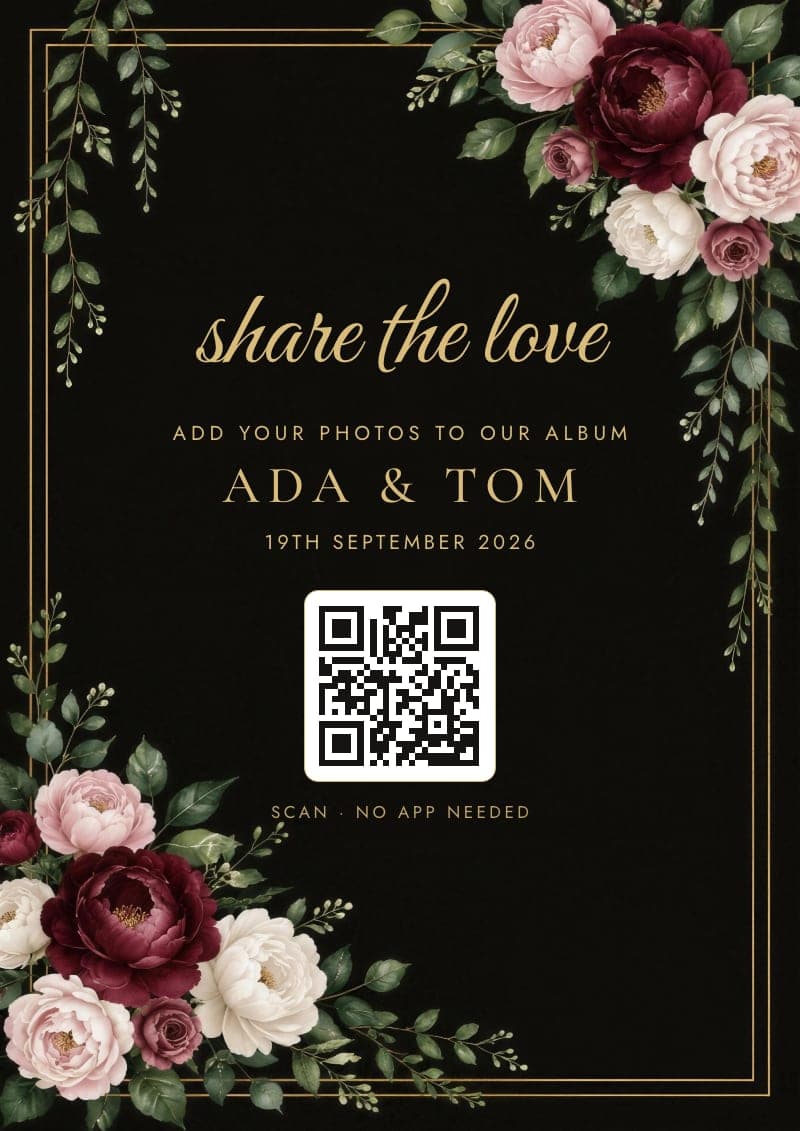
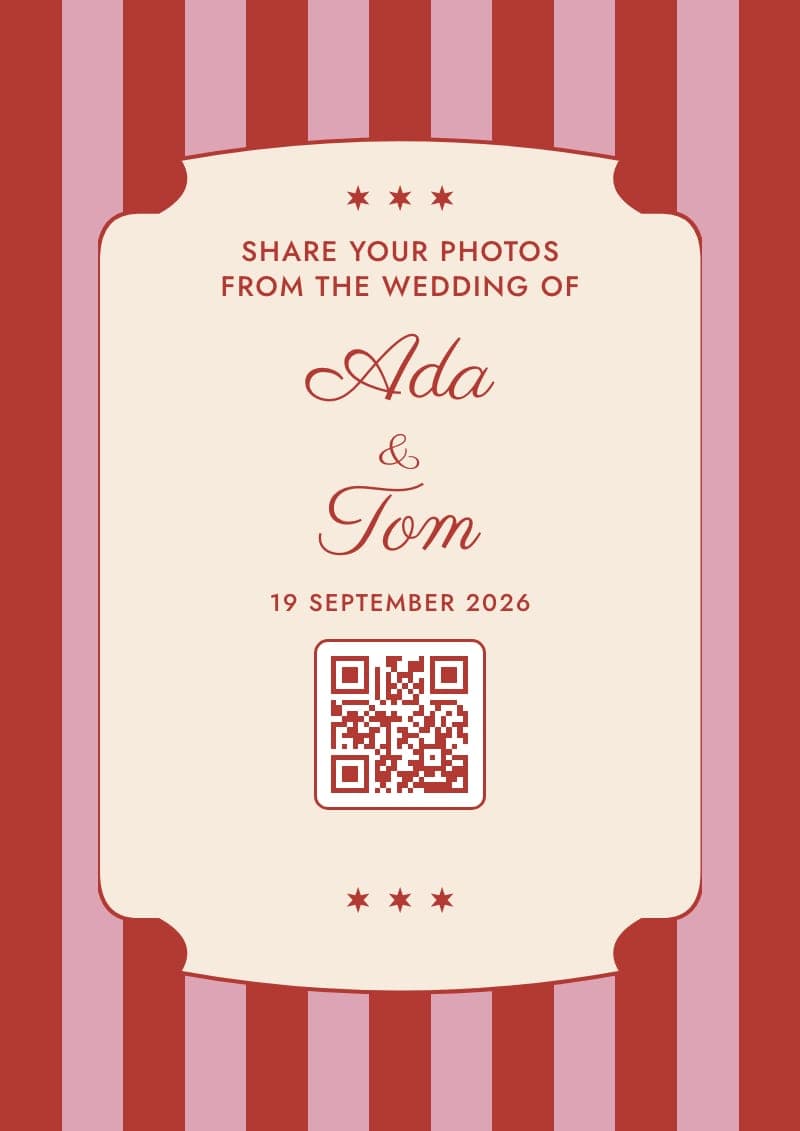
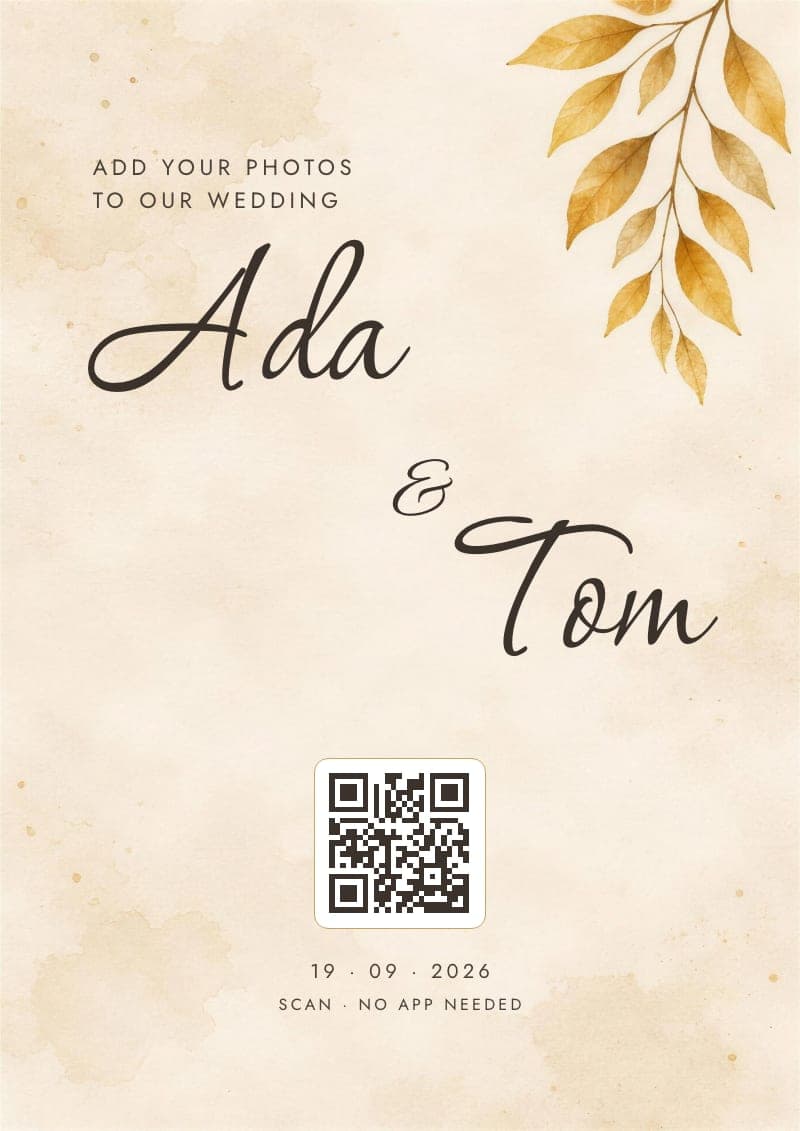
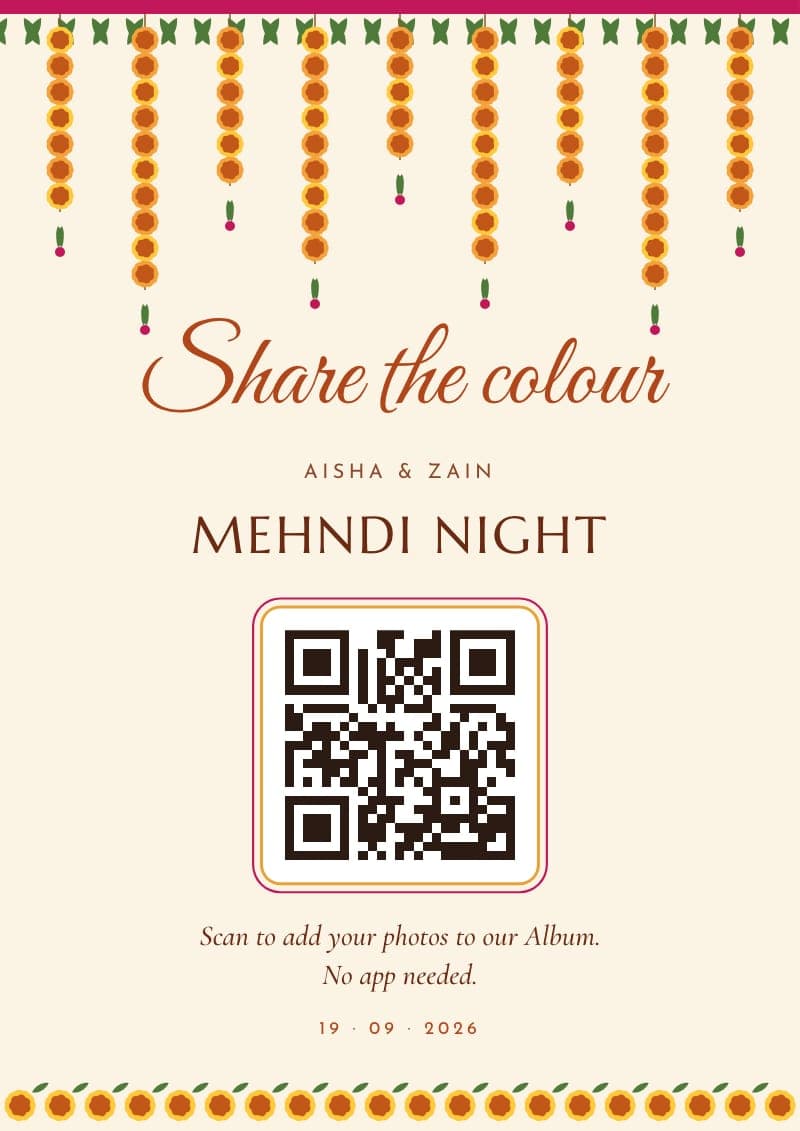
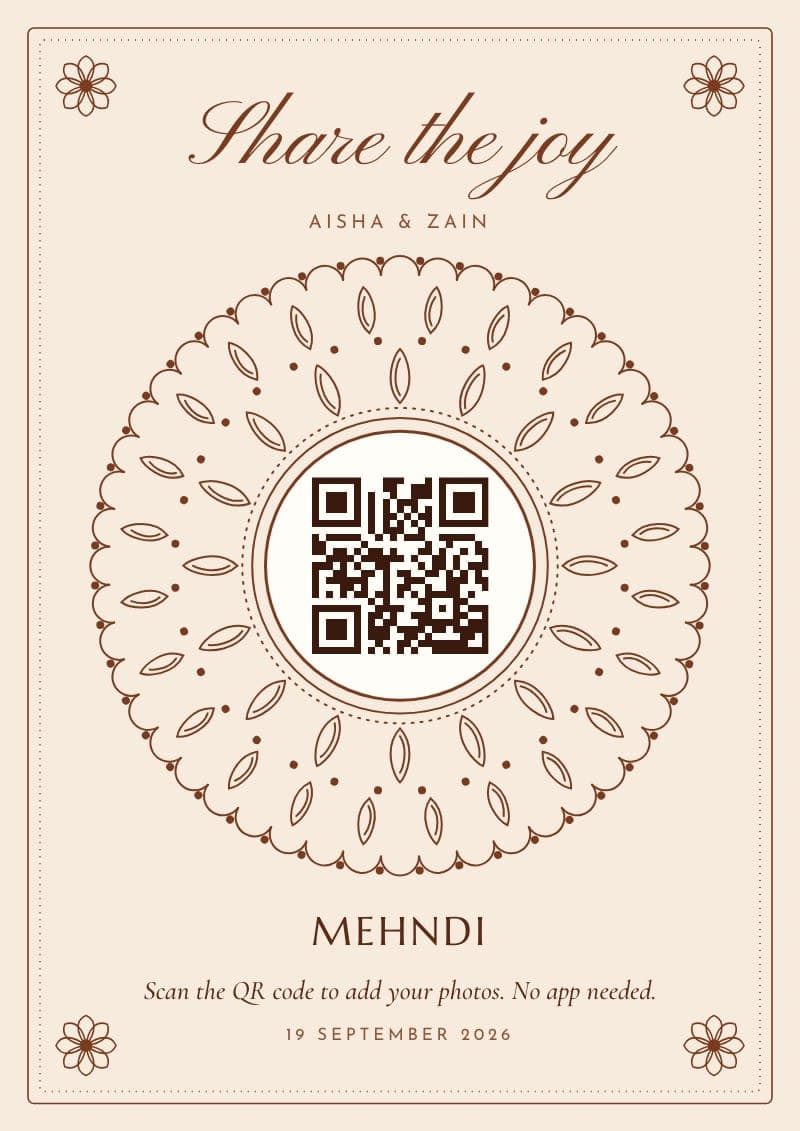
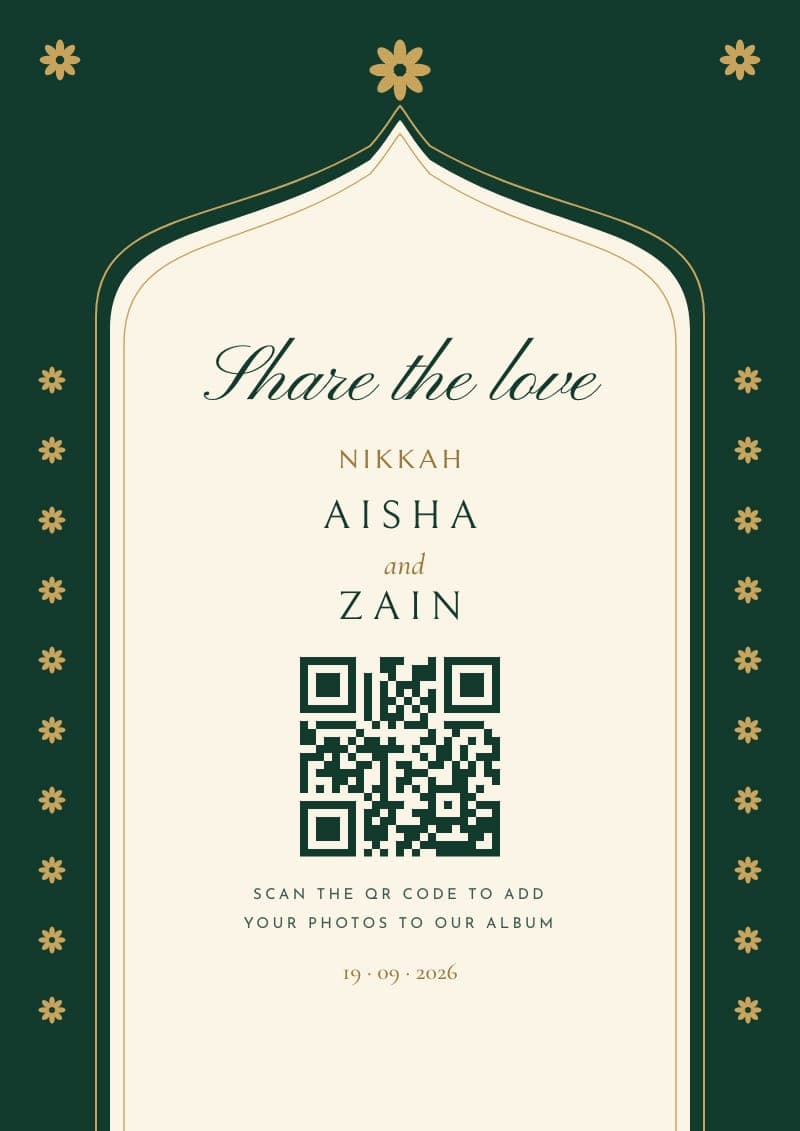
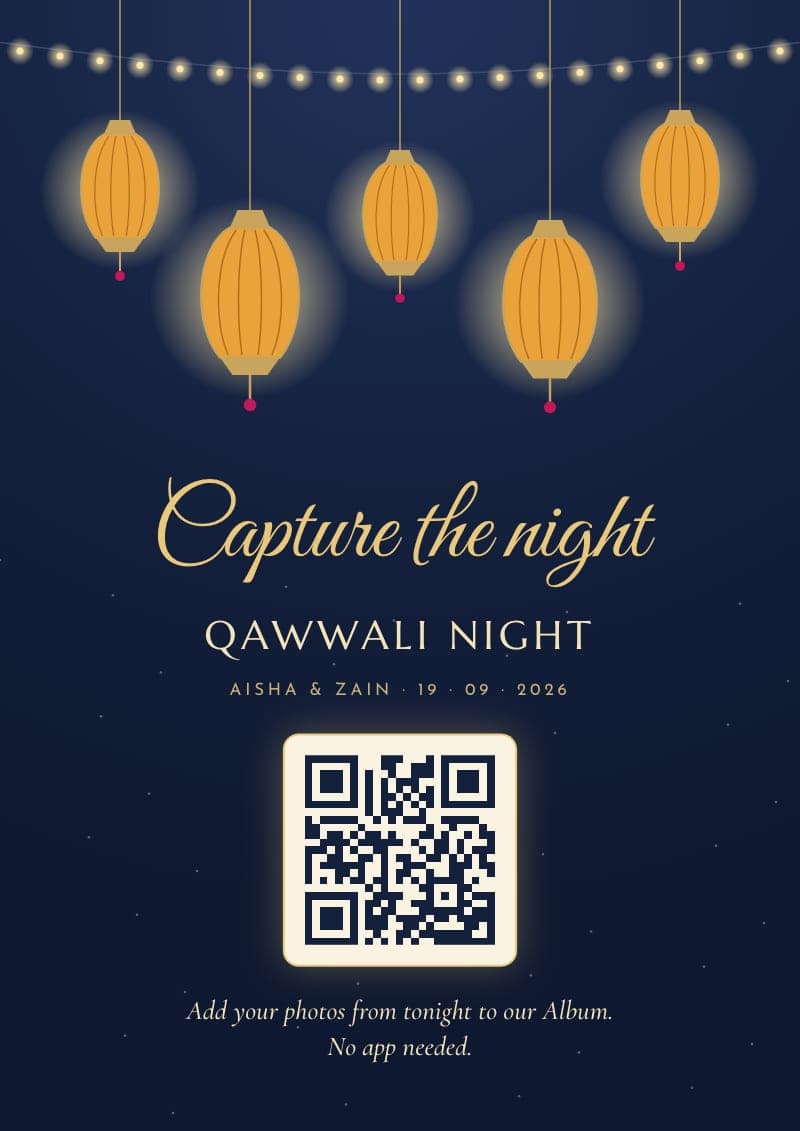
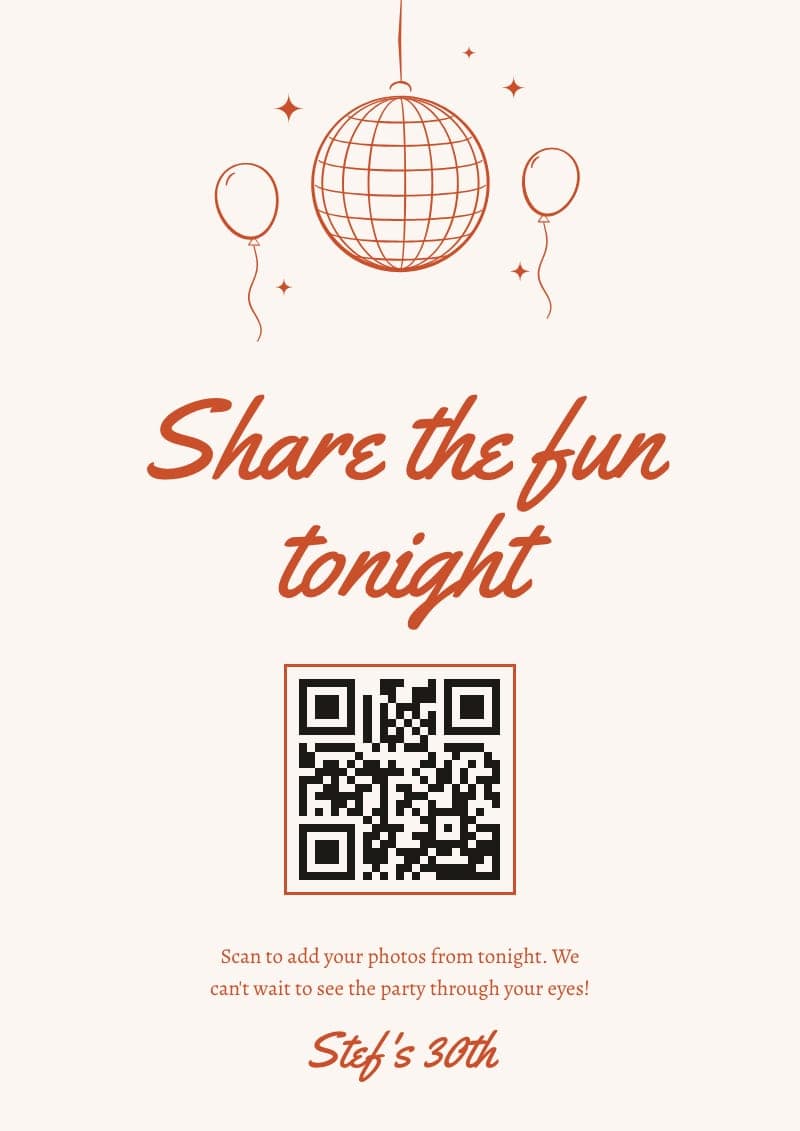
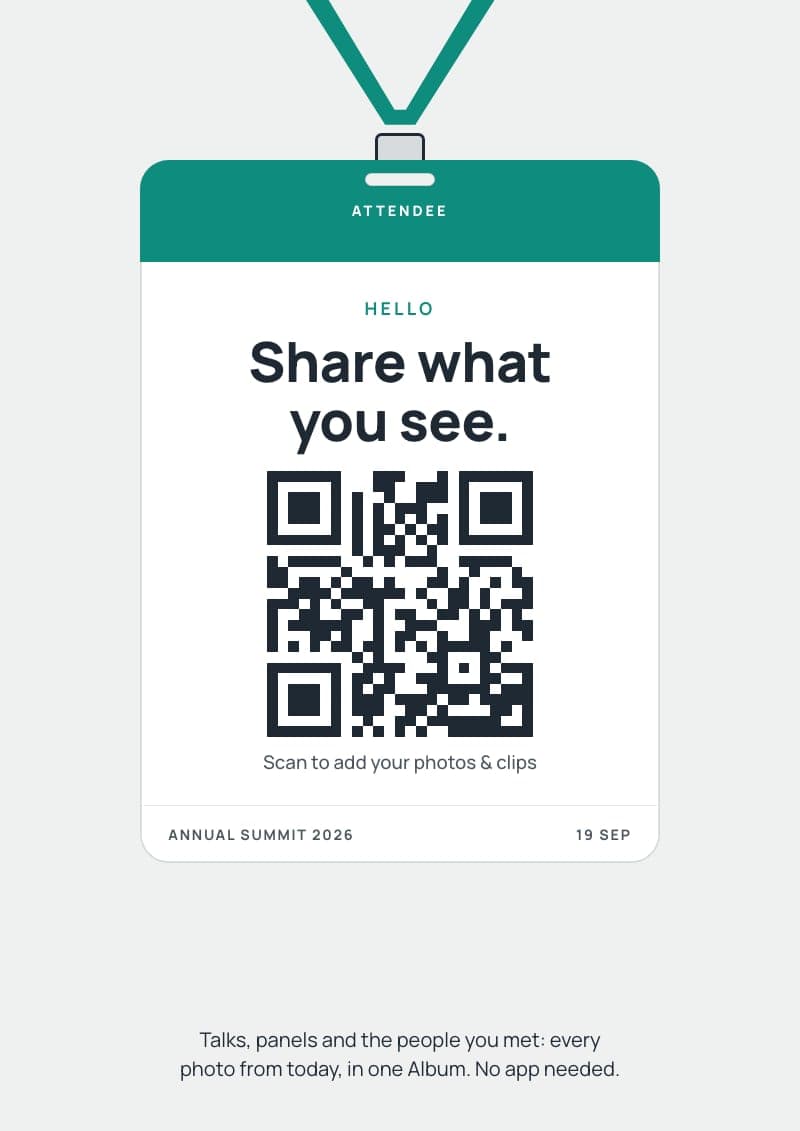
Name it and pick the date. Free for up to 6 guests.
Your QR, names and date go on for you. Change the words or the colour if you like.
One size as a PDF, or every size in one zip. Print at home or at a print shop.
Elsewhere, you often get a bare QR code and a trip to Canva. With hazel, it's a finished sign in a few clicks.
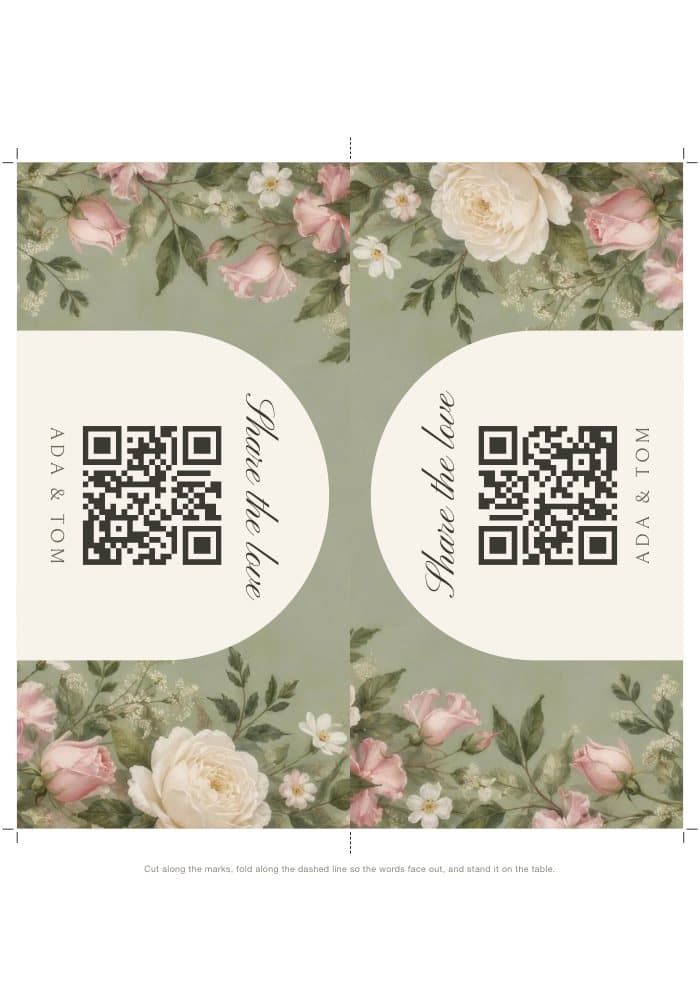
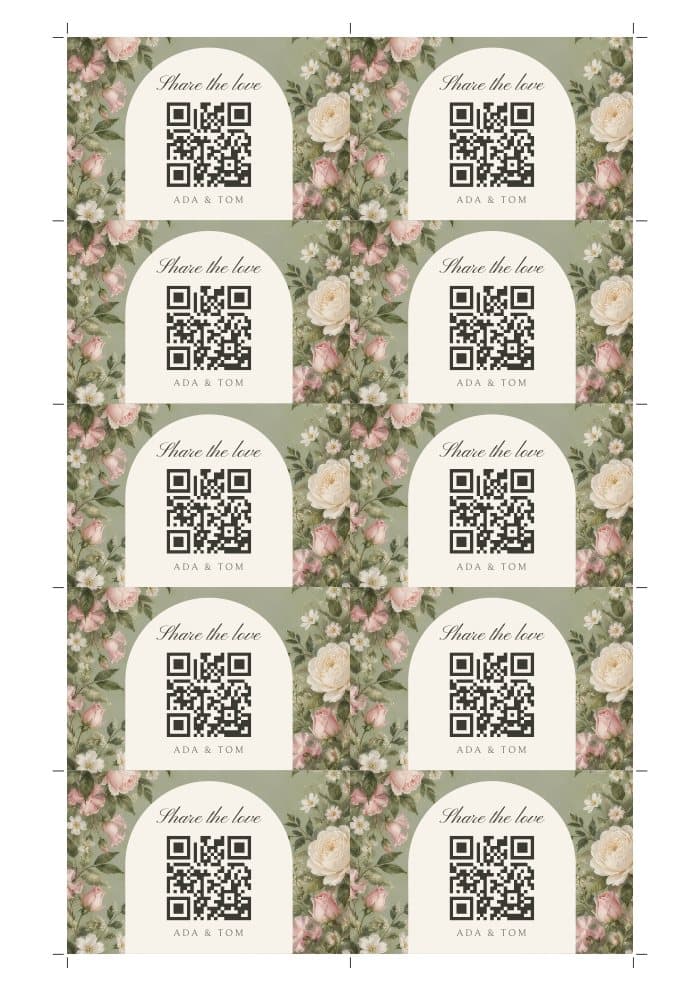
A sizes and Letter sizes, so it prints wherever you are. Download one size as a PDF, or every size at once as a zip. Table tents print on one sheet, then you cut along the marks and fold. Place cards come ten to a sheet, with cut marks.
For the UK, Europe, Australia, New Zealand and most of the world.
A big welcome sign on an easel (A2 or A1, or 18 × 24 in), so every guest sees it as they arrive.
A table tent or an A6 card, where phones come out during the meal and the speeches.
An A5 or A4 sign. The best photos of the night are taken here.
Download the QR code as an image and add it to your order of service, menu or wedding newspaper.
Make the hen do its own event, with Disco ball or Festival ticket on the table, and keep its photos apart from the wedding's.
A photo-sharing web app for your event. You make your event on hazel, your guests scan its QR code or tap the link, and every photo they take lands in one Album that you choose from and share. No app for anyone to download. The signs and table cards come free with it.
Yes! They're part of hazel. Every design, every size and every download comes with every event you make, including the free one for up to 6 guests. There's nothing extra to buy, and no other app or account to sign up for.
No. Pick a design and your QR code, names and date are already on it. Change the words or the colour in the editor, then download a finished PDF that is ready to print.
Your wedding's own page on hazel. Guests scan it with their phone camera, add a first name and email, and add their photos and clips. There is no app to download, and every guest sees each photo before it uploads.
Not for the QR code: it stays the same for the life of your event. Reprint only if the date printed on the sign has changed.
Thick card (around 250 to 300gsm) for table tents and place cards, so they stand up. Normal paper or a print shop's poster paper is fine for the rest. Always print at 100% (actual size).
Both kinds. A sizes (A6 to A1, with tents and cards on A4) for the UK, Europe, Australia, New Zealand and most of the world, and Letter sizes (5 × 7 in to 18 × 24 in, with tents and cards on Letter) for the US and Canada.