Create
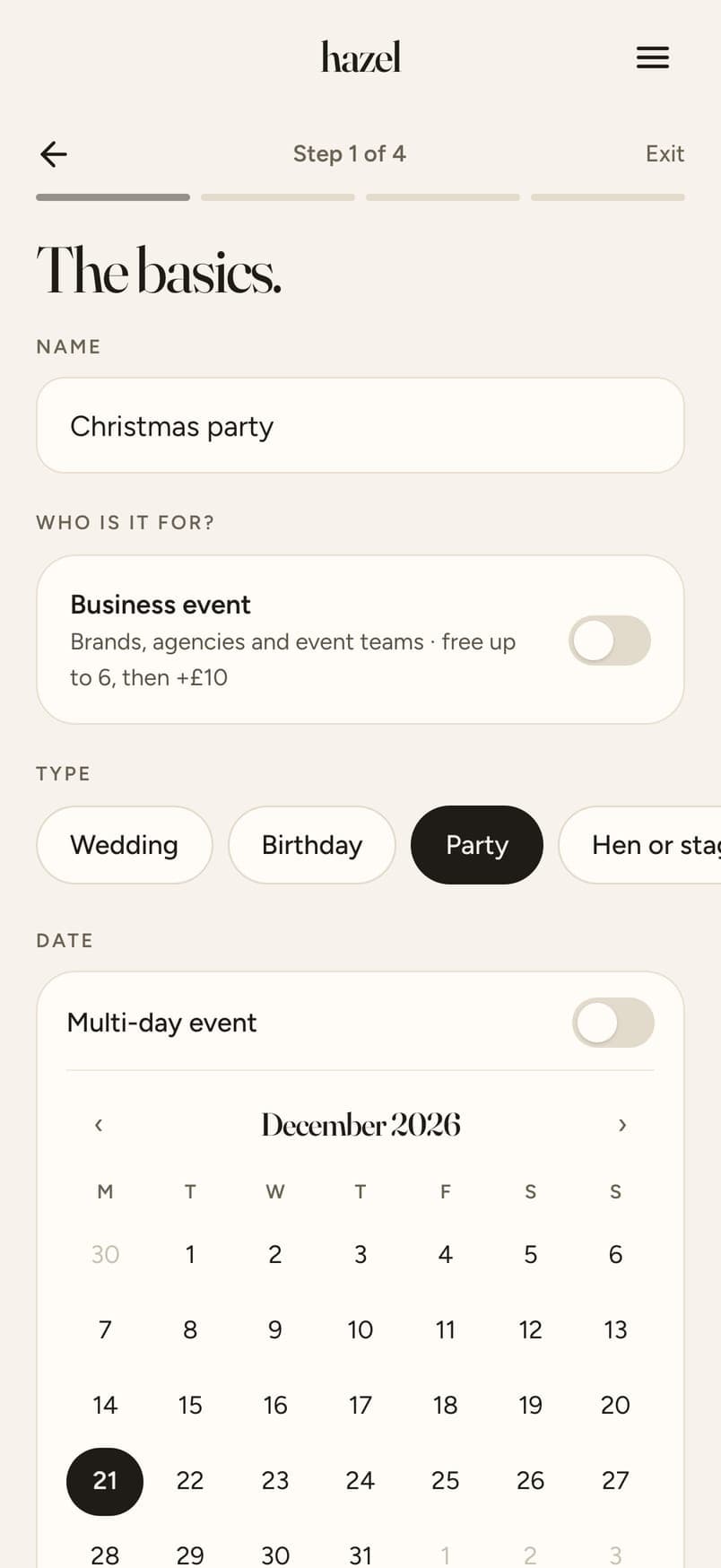
Pick your dates, add a cover, choose your guest count.
Guide
hazel is the photo-sharing web app behind the code, and the QR signs come free with it. Free for small weddings, five minutes to set up, nothing for your guests to download. Updated 19 October 2026.
The short answer
A wedding photo QR code is a code your guests scan with their phone camera. It opens a page where they add their photos. With hazel, that page is your wedding's own: guests give a first name and email, choose photos from their camera roll or take one there and then, see each photo before it uploads, and you get every photo and video in one Album, with full-quality downloads. Nothing to download. For the day itself, hazel makes your signs and table cards too: 20 designs with your QR code, names and date already on, free and ready to print in 2 minutes.
Ready to print? Pick a design from our free wedding QR code signs, and keep guests snapping with wedding photo bingo.
Pick your dates, add a cover, choose your guest count.
Send the link by message, or add their emails and every guest gets an invite automatically.

Pick a design. Your QR, names and date go on for you. It takes 2 minutes!

Watch the photos and clips come in as guests add them.

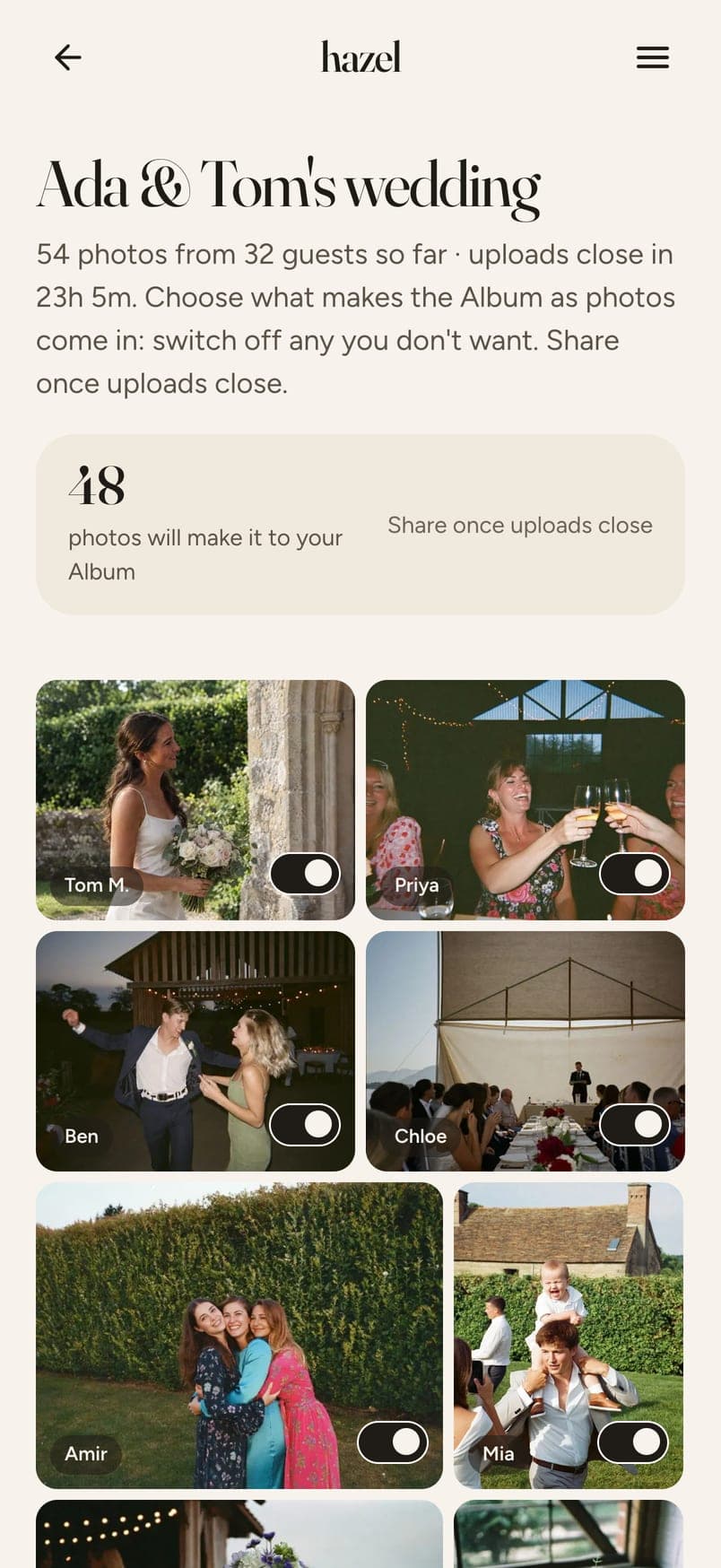
One switch per photo and video, then choose a look for the whole Album.

Every guest gets the Album automatically. Save any photo, or download everything in one go.

Swipe for the next step →
The name, the date, roughly how many guests.
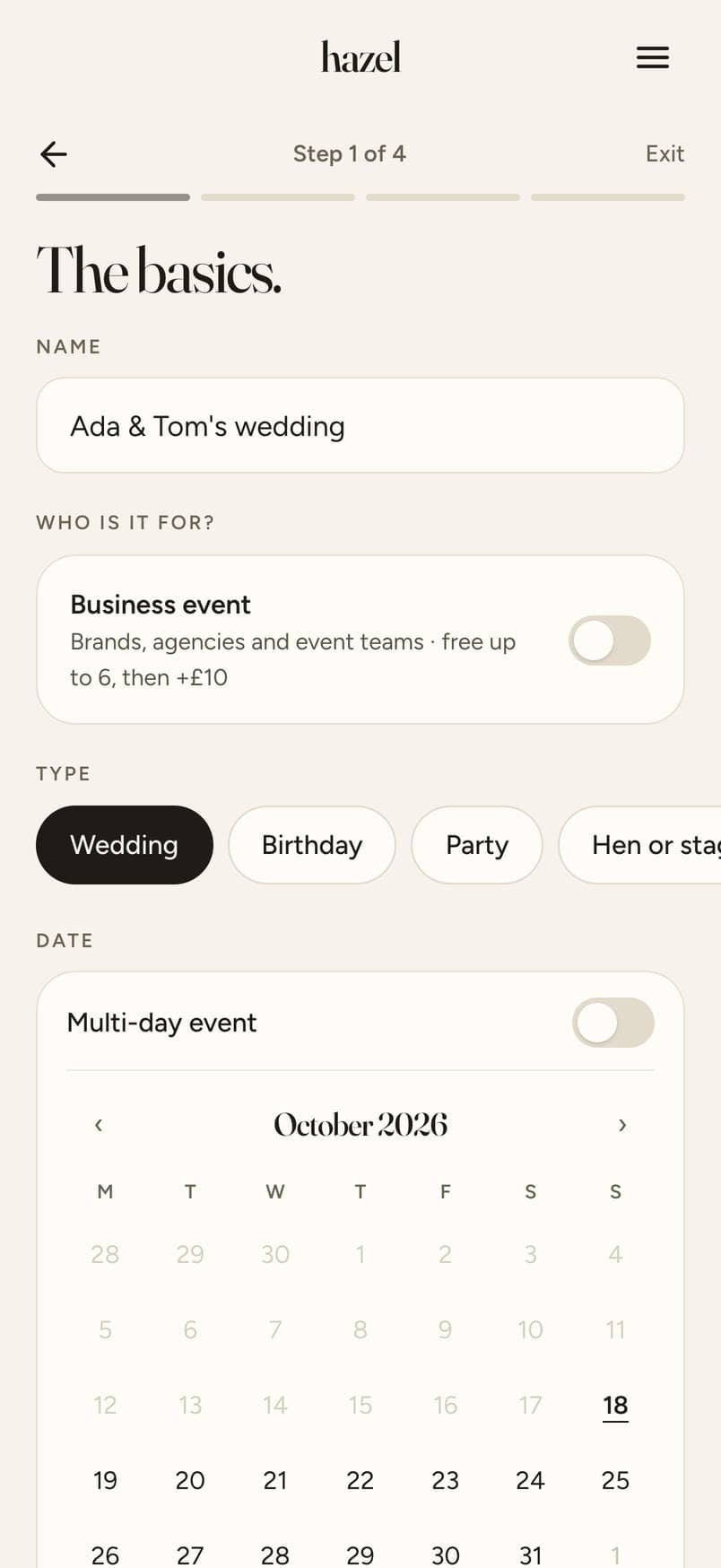
Pick a design and your QR, names and date go on for you. Or send the link by WhatsApp.
A first name and an email, and they're in. No account, nothing to download.
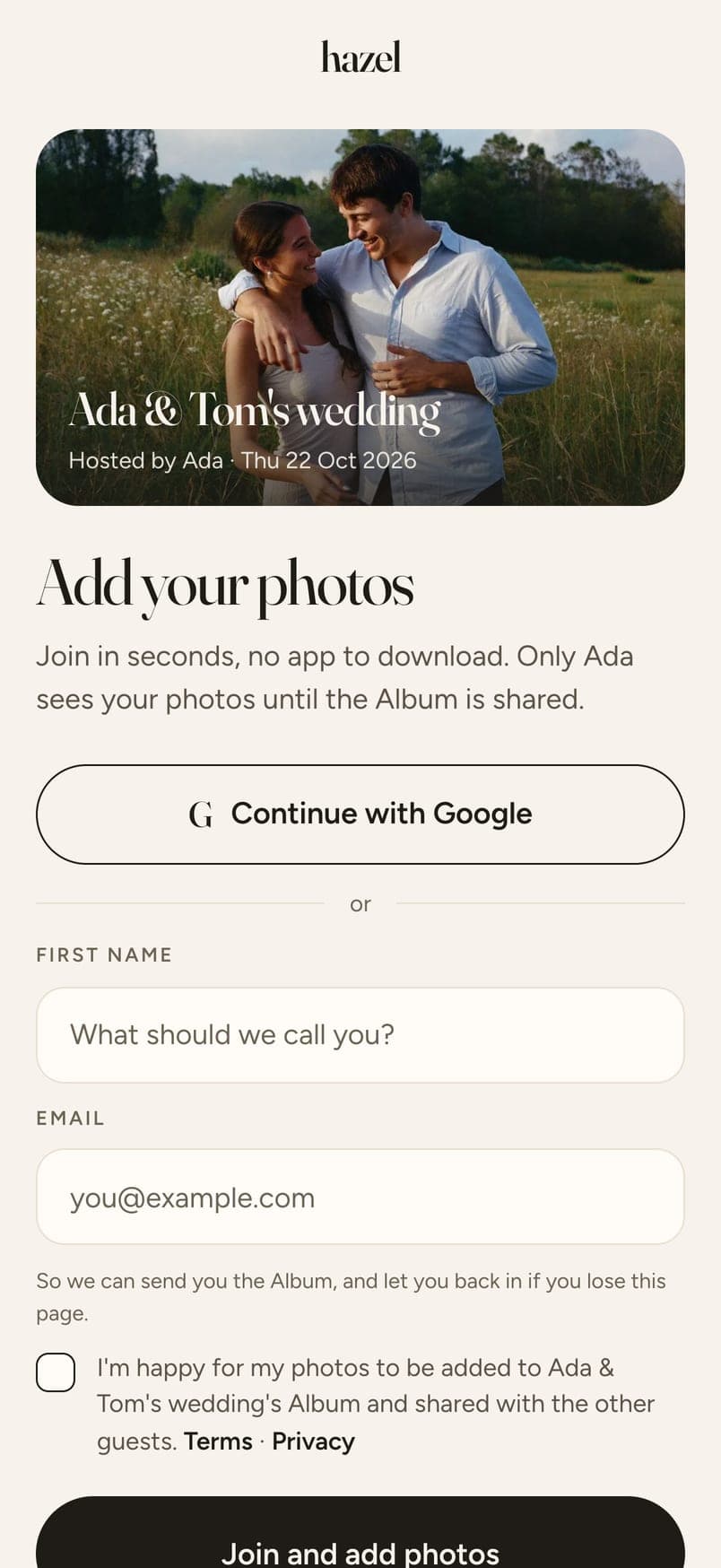
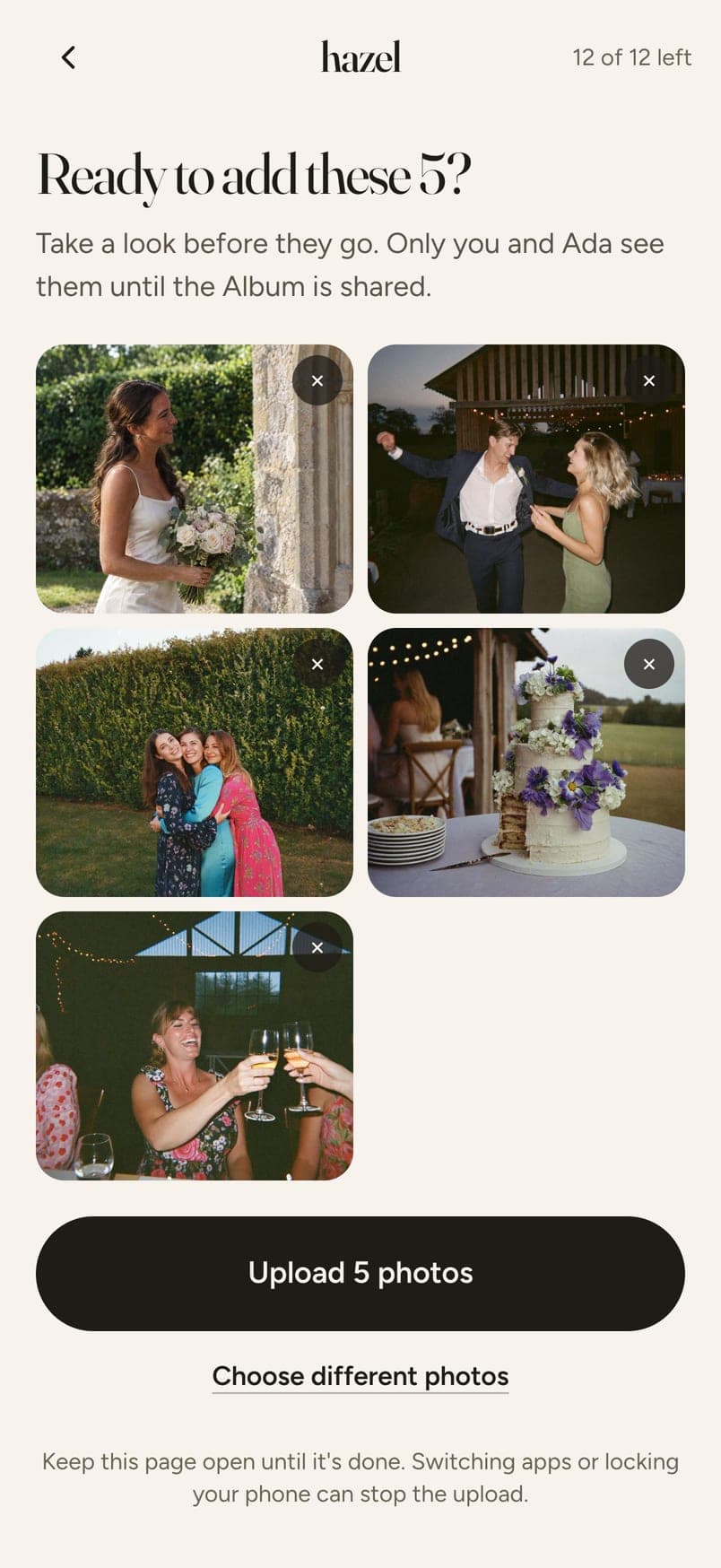
Guests add from their camera roll or take one there and then, and see each photo before it goes.
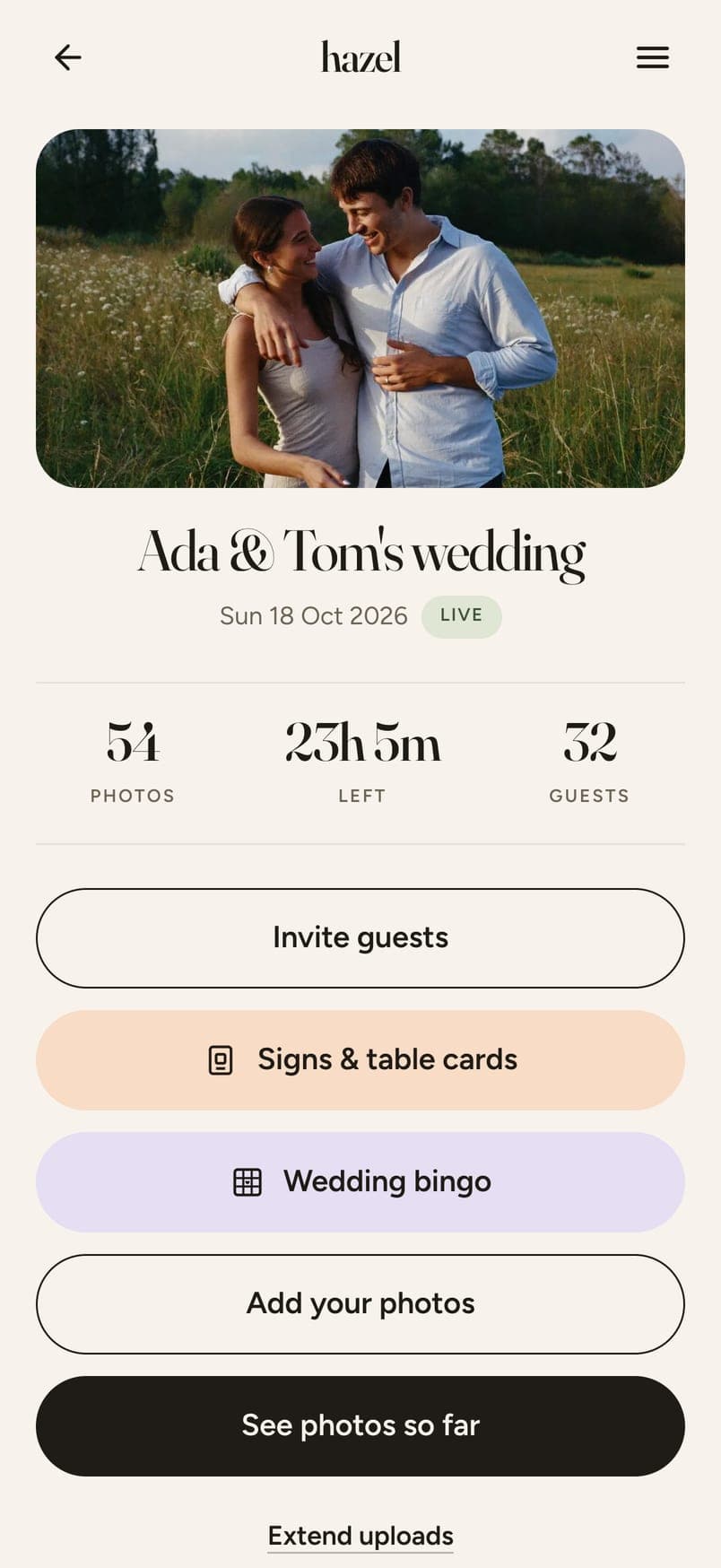
One switch per photo. Then share one link with everyone, even those who couldn't be there.
Swipe for the next step →
Name your wedding
The name, the date, roughly how many guests.
Print your signs
Pick a design and your QR, names and date go on for you. Or send the link by WhatsApp.
Guests scan and join
A first name and an email, and they're in. No account, nothing to download.
Photos arrive while you party
Guests add from their camera roll or take one there and then, and see each photo before it goes.
You choose what makes the Album
One switch per photo. Then share one link with everyone, even those who couldn't be there.
The code opens your wedding's page in their phone's browser. No account, no download. They type a first name and an email, so the Album can be sent to them afterwards. Then they add photos from their camera roll, five or fifty at a time, or take one there and then, and see every one before it goes.
Free for up to 6 guests. $4.49 for up to 20, $12.99 for up to 40, $19.99 for up to 60, $32.99 for up to 100 and $64.99 for up to 200. Paid once, no subscription. Every guest gets 12 photos included; more photos and video clips are optional extras.
A photo-sharing web app for your event. You make your wedding on hazel, your guests scan its QR code or tap the link, and every photo they take lands in one Album that you choose from and share. No app for anyone to download. The QR signs and table cards come free with it.
The QR code itself costs nothing: it's made the moment you create your event. What you pay for is the Album behind it, priced by how many guests you have: free for up to 6 guests, $4.49 for up to 20, $12.99 for up to 40, $19.99 for up to 60, $32.99 for up to 100 and $64.99 for up to 200. One payment per wedding, no subscription, and the signs and table cards are free.
Yes. A wedding with up to 6 guests is free on hazel, with the same QR code, signs, guest review and Album as the paid sizes. Larger weddings pay once, from $4.49.
No. The code opens a page in their phone's browser. Nothing to download, no account to make.
It works as long as uploads are open. You choose when that is when you set up the event, and you can extend it up to a week after your event.
Yes, until uploads close. The closing time is yours to set when you create the event, and to move later. Most photos arrive the next morning, when people are looking through their camera roll.
Yes. From the camera roll, several at a time, or a photo taken there and then. Either way they see each one before it uploads.
Yes, free with every event. Pick from 20 designs and your QR code, names and date go on for you, in every size from a place card to an A1 welcome sign, plus table tents. See them at hazel.camera/wedding-qr-code-signs.
Send them the link instead. It's the same page: by WhatsApp, by text, or by email from hazel.
Yes. The photo that arrives is the one the guest's phone took, at the size it took it, whether from the camera roll or taken on the spot.
Five minutes to set up. Priced by how many guests you have.
Create your eventMore