hazel
Log inCreate your event

Corporate event photo sharing, with your logo on everything.

Your team and guests scan one QR code and add their photos and clips from the work do, the launch or the client evening. No app to download. You check every photo before anyone sees the Album.

Customisable branded signs with your QR code included

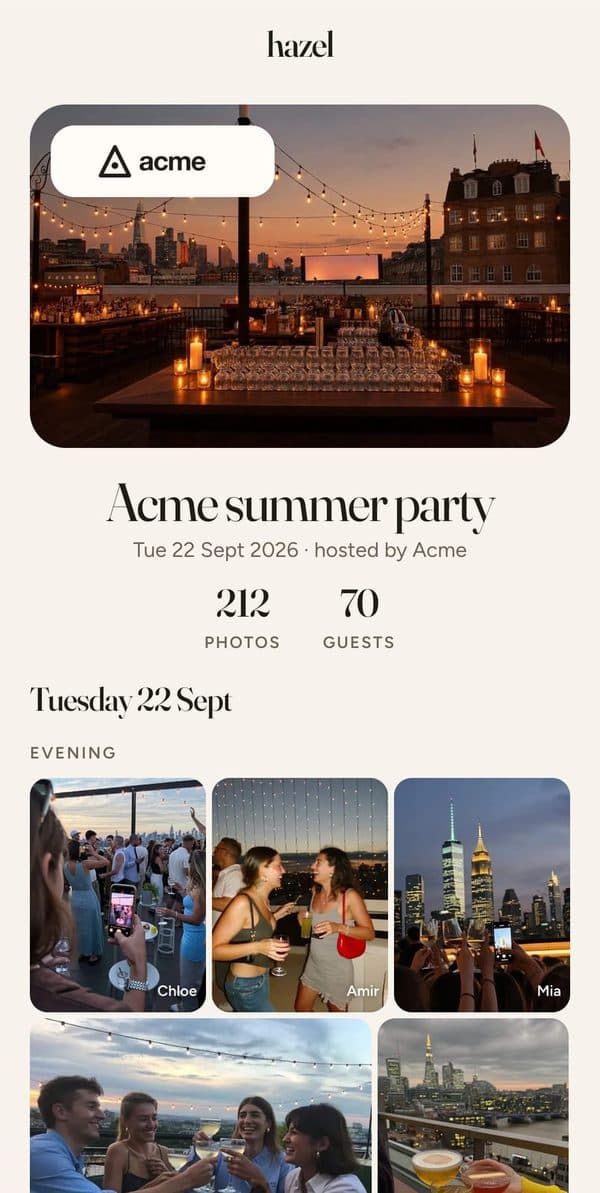
The Acme summer party Album on a phone, with the Acme logo on the cover
The Viewfinder branded sign with the Acme logo and the QR code

For office managers, comms and marketing teams, and event agencies

Christmas parties · Client evenings · Product launches · Away days · Awards nights · Conferences · Summer socials

Branded signs, with your logo already on.

Ten designs made for work events, each in three colours. Your logo, QR code, event name and date go on for you, and every word is yours to change. Made inside hazel in a couple of clicks.

  • Welcome signs and posters, A6 up to A1
  • Table tents and admission tickets
  • A5 leaflets and A6 postcards, with a plain back
  • Lanyard badges, four to a sheet
  • Your QR code on every one, ready to scan

Free with every branded event. US sizes too: Letter up to 18 × 24 in, and 4 × 6 in postcards.

See the branded designs
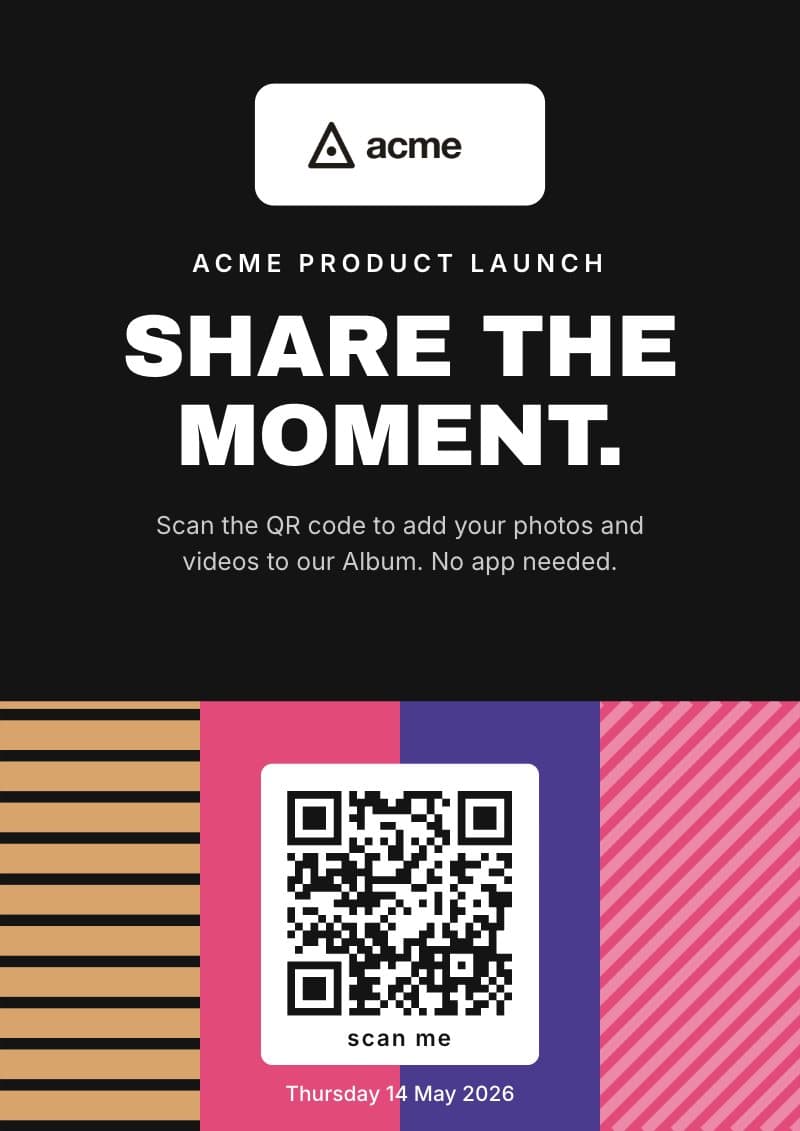
Blocks branded sign: the Acme logo, Share the moment, and the QR code on colour blocks
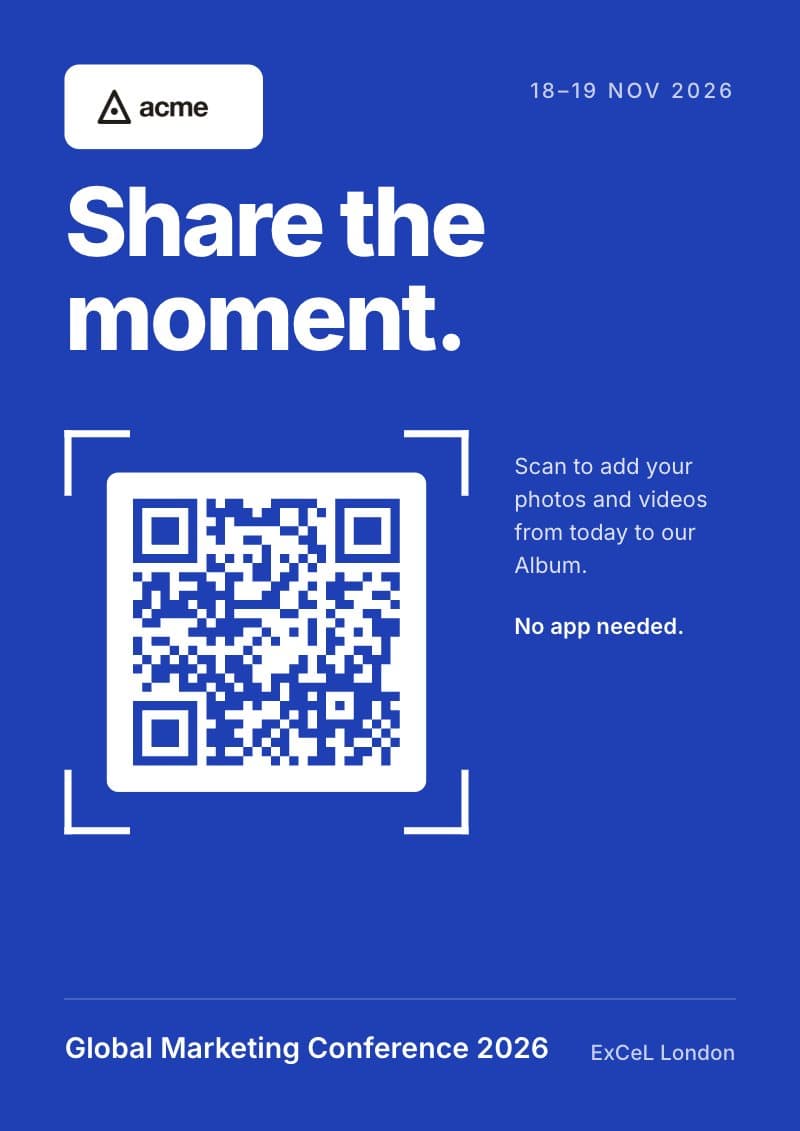
Viewfinder branded sign in cobalt: Share the moment, the QR code in viewfinder corners
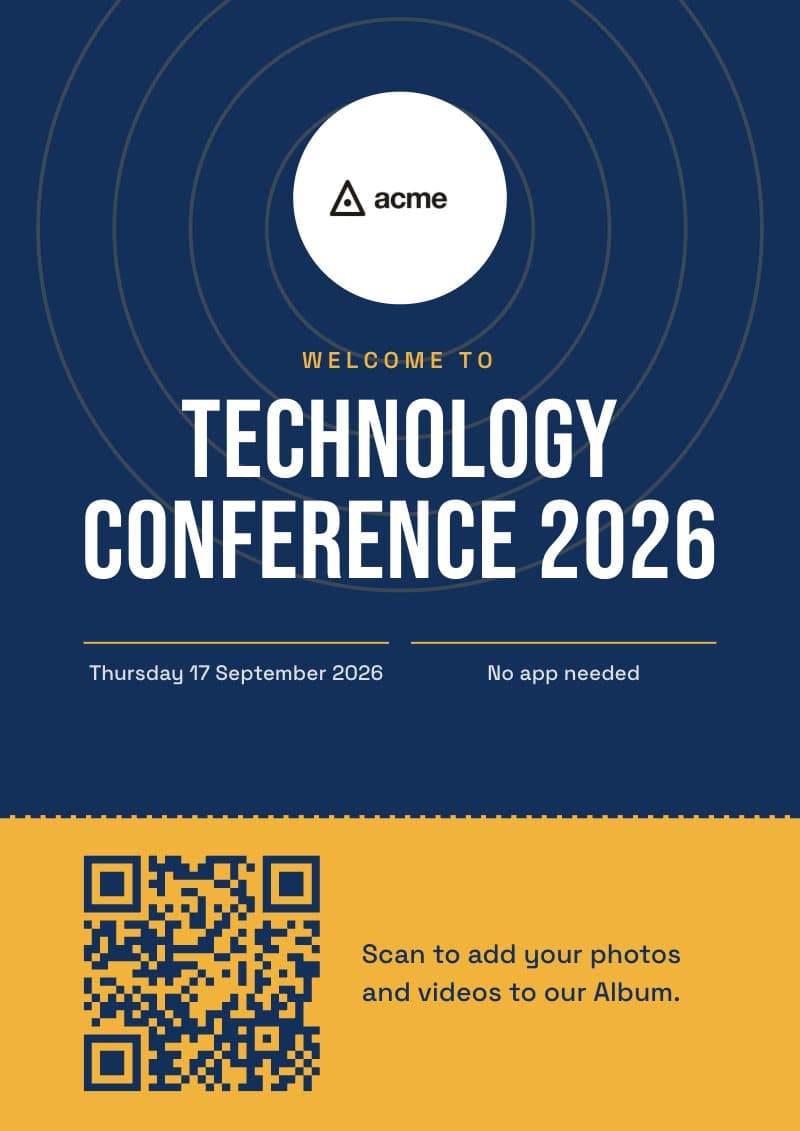
Event pass branded sign in navy and gold: Welcome to Technology Conference 2026
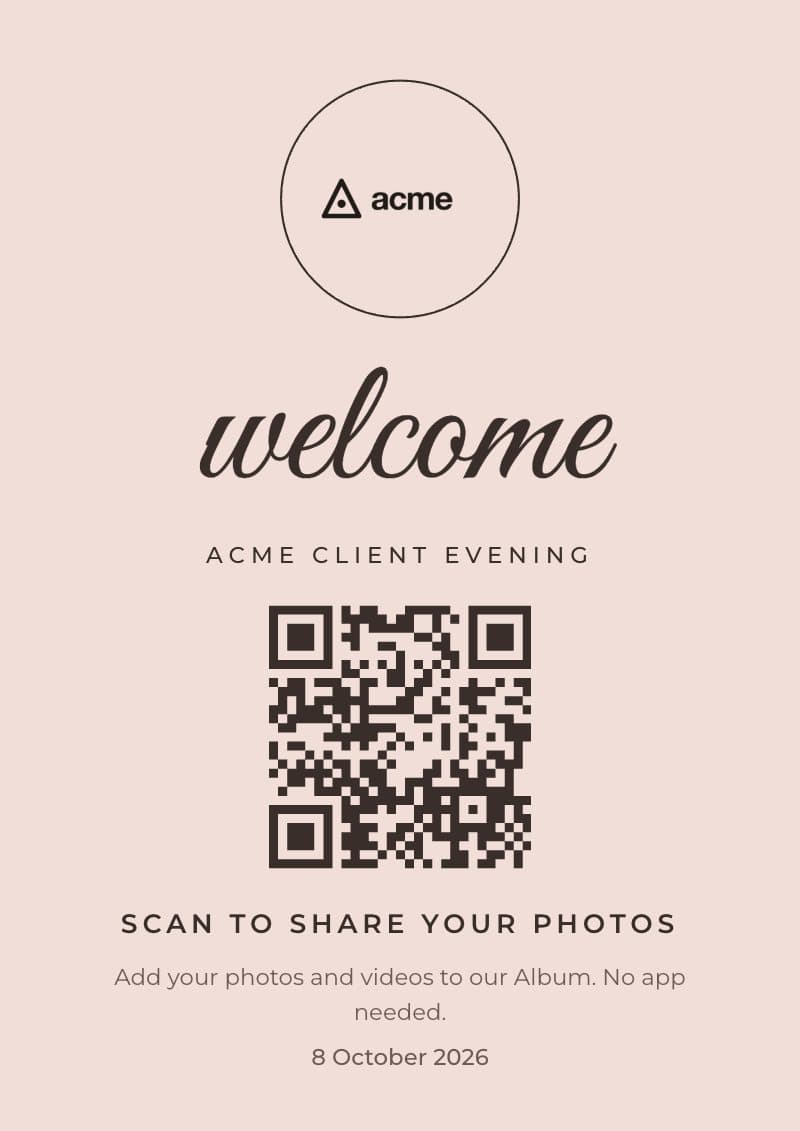
Soft minimal branded sign in blush: welcome, with the logo in a ring
Colleagues taking a group selfie on a rooftop at sunset

Your logo, everywhere guests look.

Your business is the host, so guests see your name and logo from the first scan to the last email.

The join pageYour logo on the cover and your business named as the host.
The AlbumYour logo on the cover of the finished Album, on every phone.
Every emailSent in your business's name, with your logo at the top.

How to collect photos from a corporate event with a QR code.

Six steps, from setting it up to sharing the Album.

STEP 01

Create

Switch on Branded event, add your logo, pick your date and guest count.
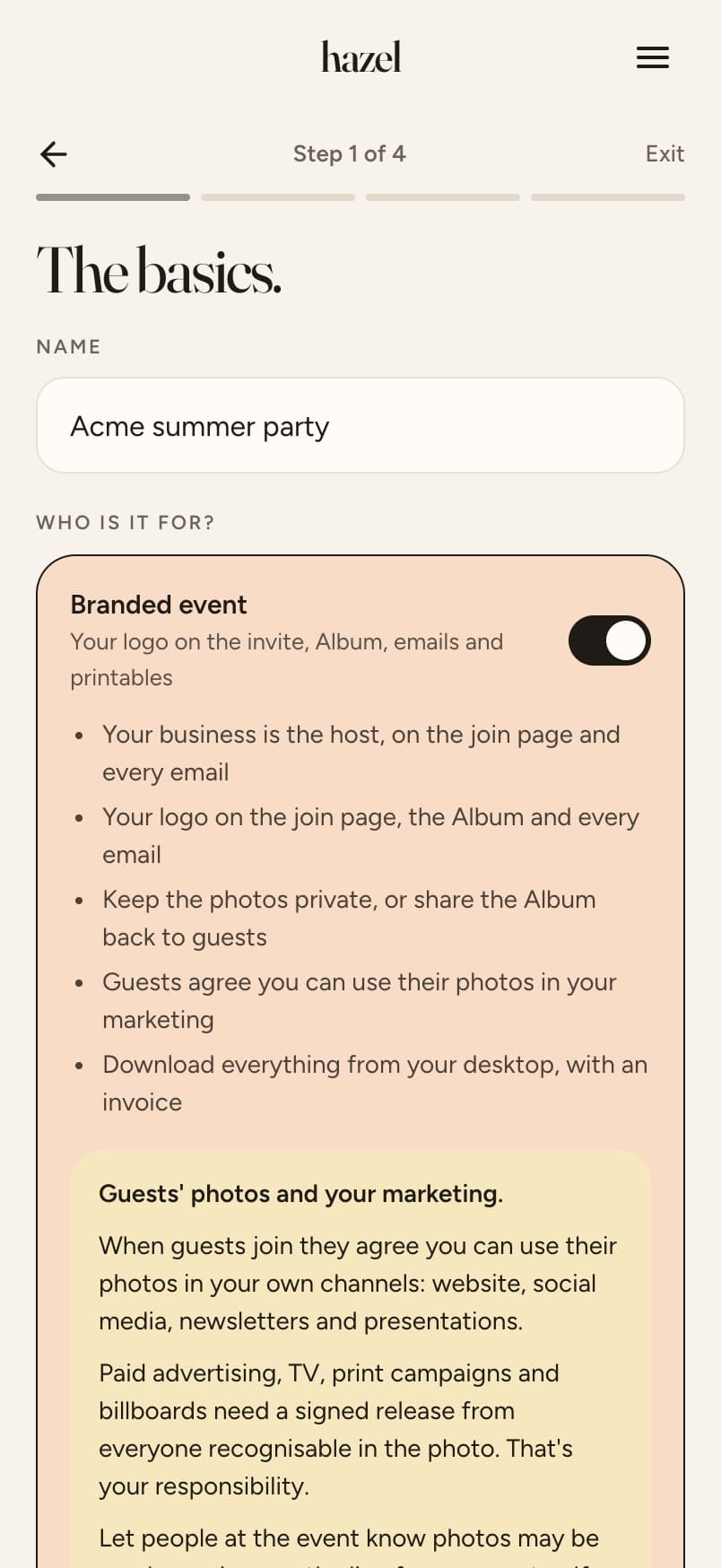
Step 1 of creating the Acme summer party, with Branded event switched on
STEP 02

Invite

Paste the emails from your guest list. Every guest gets an invite from your business, with your logo.

Adding guest emails for the Acme summer party: Send 5 invites
STEP 03

Print your signs

Pick a design. Your QR code, event name and logo go on for you. It takes 2 minutes!

Signs and table cards for the Acme summer party: the branded designs, with the Acme logo on
STEP 04

Gather

Watch the photos and clips come in as your guests add them.

The Acme summer party live: photos so far and guests
STEP 05

Curate

One switch per photo and video. Nothing goes on show until you've checked.

Curating the Acme summer party: one switch per photo
STEP 06

Share & download

Share the Album with everyone, or keep it for the company. Download everything in one go.

The Acme Album is live, with a link for guests and a view-only link

Swipe for the next step →

Made for work events.

You see them firstGuests only see their own photos until you choose what goes in and share. You can check them as they arrive.
Yours to use in your marketingWhen guests join, they agree you can use their photos in your own channels: your website, social media, newsletters and presentations. Paid advertising, TV, print campaigns and billboards aren't covered.See the terms
Private or sharedKeep the photos for the company, or share the Album back with everyone who came.
Two linksA download link for colleagues, and a view-only link for emails, socials, your website and anywhere else.
Collect contacts, if you likeGuests can tick a box to hear from you again. Download the ones who say yes as a spreadsheet.
Full-resolution ZIPDownload every photo at full size in one ZIP, in a couple of clicks.

Getting the most photos at a work event.

A speaker with a microphone on stage indoors, in front of a seated audience
  1. Invite your attendees before the event. If you have their emails, paste them in and everyone gets an invite with the link, ready for the day.
  2. Put the QR code where people look. On the screen during speeches, on the tables, and on lanyards at a conference, not only in the invite email.
  3. Mention it in speeches and talks. A quick line from whoever's on stage reminds everyone to add their photos.
  4. Keep the signs at eye level. A welcome sign by the door and a card on each table.
  5. Check before you share. Switch off anything that shouldn't leave the room, then share.
  6. Leave uploads open for a day or two. People add the best ones on the train home. You can keep them open up to a week after.

Pricing.

For a branded event, with your logo. One payment, never a subscription.

GuestsUp to 30 photos eachUnlimited photos
Up to 20 guests$21.99$28.48
Up to 40 guests$32.99$39.48
Up to 60 guests$38.99$45.48
Up to 100 guests$51.99$58.48
Up to 200 guests$77.99$90.98
More than 200 guestsTalk to us

Every branded event includes

  • Your logo on the join page, the Album and every email
  • Guests agree you can use their photos on your website, social media, newsletters and presentations
  • Branded printables: welcome signs, table tents, tickets, leaflets, postcards and lanyard badges
  • Unlimited video clips
  • A private Album, or one shared with everyone
  • Any event length, up to two months
  • Share with colleagues and download ZIP files in a couple of clicks
  • Your Album kept for a year
  • An invoice by email
  • Nothing for guests to download
Running several events?Buy them together: 4 or 10 events, up to 100 or 200 guests each, from $129. Every one with unlimited photos and video, and your logo at no extra cost. Use them within 12 months.
See bundles

hazel and Guestpix, side by side.

For a branded event with your logo and unlimited photos per person.

hazelGuestpix (Silver)
Up to 20 guests$28.48about $88
Up to 60 guests$45.48about $88
Up to 100 guests$58.48about $88
Up to 200 guests$90.98about $88
Several events4 events from $129, 10 from $2593 for about $181 (Platinum pack)
Signs with your QR codeMade in hazel and customisable, QR code already onCanva templates you edit and add the QR code to
Your logo on the pages and emailsYesYes
Check photos before they're sharedYesYes
Live slideshow on a screenNot yetYes
Guests per eventUp to 200, contact us if you need moreUp to 1,000

Guestpix prices from guestpix.com/business-pricing, checked 1 November 2026, converted from pounds. Silver includes unlimited photos and videos.

Questions.

Before the event

One QR code that everyone scans, so the photos land in one place instead of scattered across chat threads. With hazel you check them first, then share the Album or keep it for the company.

Yes. Paste the email addresses straight from your spreadsheet and hazel sends each person an invite in your business's name, with your logo. You can also share the link in Slack, Teams or your own emails.

You don't have to. hazel makes it when you create your event and puts it on every sign, table tent and lanyard badge for you.

Yes. Download the QR code as an image from your event page and add it to your own posters, slides, programmes, badges or anything else you're printing. It's the same code for the whole event, so it works wherever it goes.

Yes, any length up to two months at no extra cost, and uploads can stay open up to a week after.

Talk to us and we'll set it up for you.

On the day

No app and no password. They scan, type a first name and email so they can get back to their photos, and start adding.

Yes. You can check them and switch any off during the event, so nothing you don't want ever reaches the Album.

Yes, if you'd like to. Switch on "Ask guests if they'd like to hear from you" and the join page adds a tickbox, never ticked for them: "Yes, Acme can email me about future events and news", with your business's name. Download the ones who said yes as a spreadsheet from your event page.

Afterwards

Yes, in your own channels. Guests at a branded event agree when they join that you can use their photos on your website, social media, newsletters and presentations. Paid advertising, TV, print campaigns and billboards aren't covered; the terms explain what is.

Yes. Choose a private Album when you create the event and the photos come to you only. You can share it later if you change your mind.

Yes, emailed to you automatically after you pay.

A year from the event. Before then you can download everything, or keep them for another year with a one-off payment.

Every photo from your next event, in one Album.

Set it up in a couple of minutes.

Create your event
Colleagues raising glasses at a rooftop party