Create
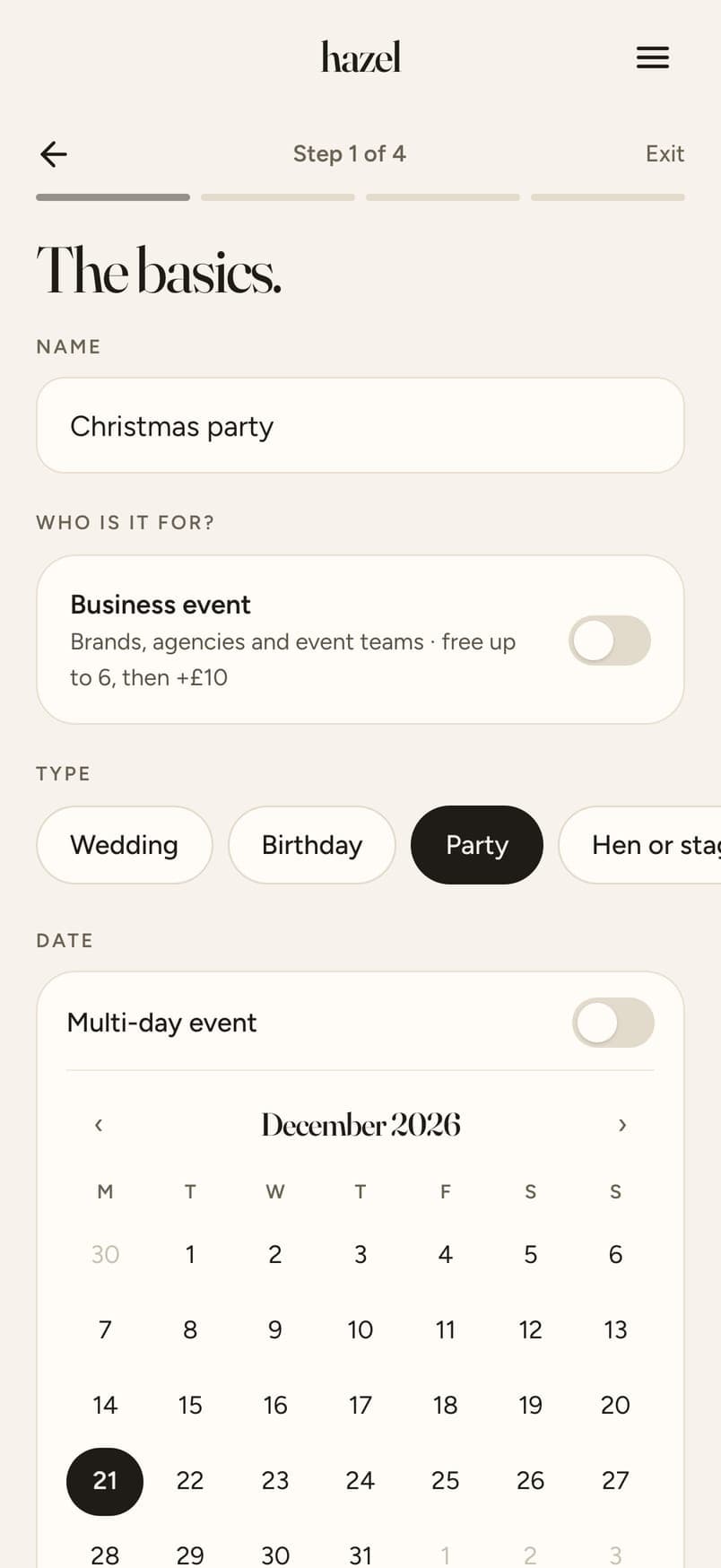
Pick your dates, add a cover, choose your guest count.
Recommended by Shea at The Budget Savvy Bride. Your 10% off your first event is applied at checkout, nothing to type.
No app for guests · Free QR signs and printables
Pick your dates, add a cover, choose your guest count.
Send the link by message, or add their emails and every guest gets an invite automatically.

Pick a design. Your QR, names and date go on for you. It takes 2 minutes!

Watch the photos and clips come in as guests add them.

One switch per photo and video, then choose a look for the whole Album.

Every guest gets the Album automatically. Save any photo, or download everything in one go.

Swipe for the next step →
 Weddings
 Birthday partiesHen dos
 Group trips
 Corporate eventsCreator events
 Family milestones
Swipe for more →
At most weddings and events the guests aren't in one group: his family, her friends, work colleagues, plus-ones. hazel is one link for all of them, with no group to set up and no numbers to swap. And if you are all in one group, it still turns the photos into one Album you can keep and share.
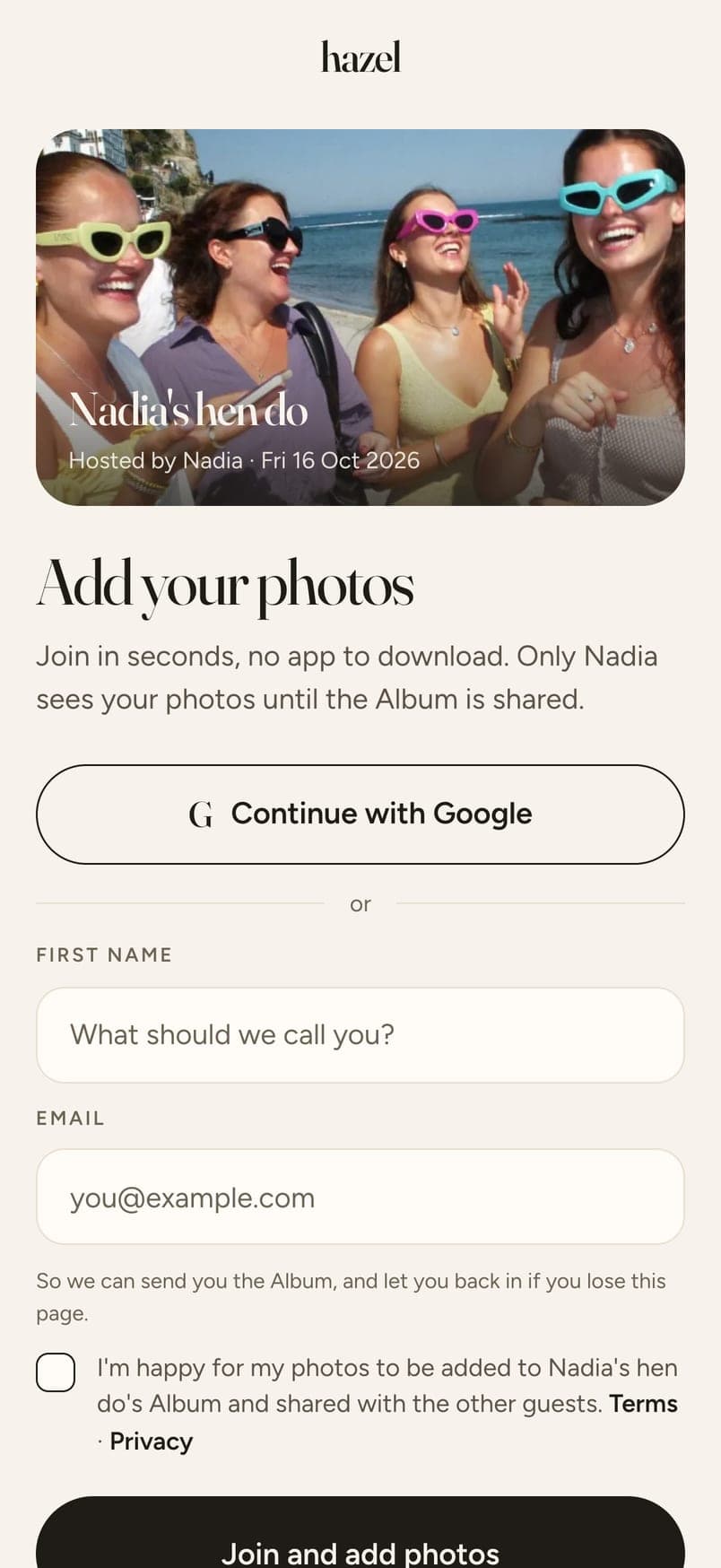
hazel is a way to collect every guest's photos from an event, with no app to download. Guests upload from their phones and you choose what makes the final Album.
No. Guests tap a link, open the email invite or scan a QR code, give a first name and an email, and add photos straight from their phone's browser. It works the same on iPhone and Android, and it's free for up to 6 guests.
Any way you like, and you can use them all. Print the free signs and table cards, made for you with your names and QR code already on. Paste your link into WhatsApp or any group chat. Or add your guests' emails and hazel sends each of them an invite. Weddings also get printable photo bingo cards. Read more: Free QR code signs and table cards
Free for events up to 6 guests. Then one payment, priced by how many guests you have: from £3.49 for up to 20. Extras are optional: more photos per person, video clips, and events longer than two days. You see the whole price before you pay, and the signs, table cards and wedding bingo are included.
Not at all. Birthdays, hen dos, group trips, corporate and creator events, family milestones. Any event worth remembering. Read more: Event photo sharing for parties, trips and work dos
Guests upload from their camera roll, or tap Take a photo and their phone's own camera opens, so it's the real full-quality shot, not a webcam frame. Either way, they always see the photo before it uploads. No embarrassing accidents.
You can, if everyone's already in the same group. At most weddings and events they aren't: his family, her friends, work colleagues, plus-ones. hazel is one link for all of them, with no group to set up and no numbers to swap. And if you are all in one group, it still turns the photos into one Album you can keep and share. Read more: How to collect every guest's photos
One year from the day uploads close, for every event. Keep it for another year with a one-off payment, or download everything at any time.
Yes, one look for the whole Album. After you've chosen the photos, pick Original, Vintage Matte, Golden Hour or Clean Editorial and every photo matches. Your guests see and download the Album in that look, and you can change it any time. Clips stay as they were filmed.
In one tap. Once you've chosen your photos and a look, tap Share and every guest who joined is emailed the link automatically. You also get two links for anyone who wasn't there: one they can download from, and a view-only one.
12 photos per person included. More photos from $2.49. Add video clips from $3.99. Events up to 2 days included, longer ones from $2.49 a day.